How to add a fleet account
Who this is for
You set up a commercial account that bills one company and can cover many vehicles.
Before you start
- Fleet is a Professional module. If Fleet Accounts is missing, the module is off.
- Receptionists can view accounts. Only an owner or manager can add one.
Steps
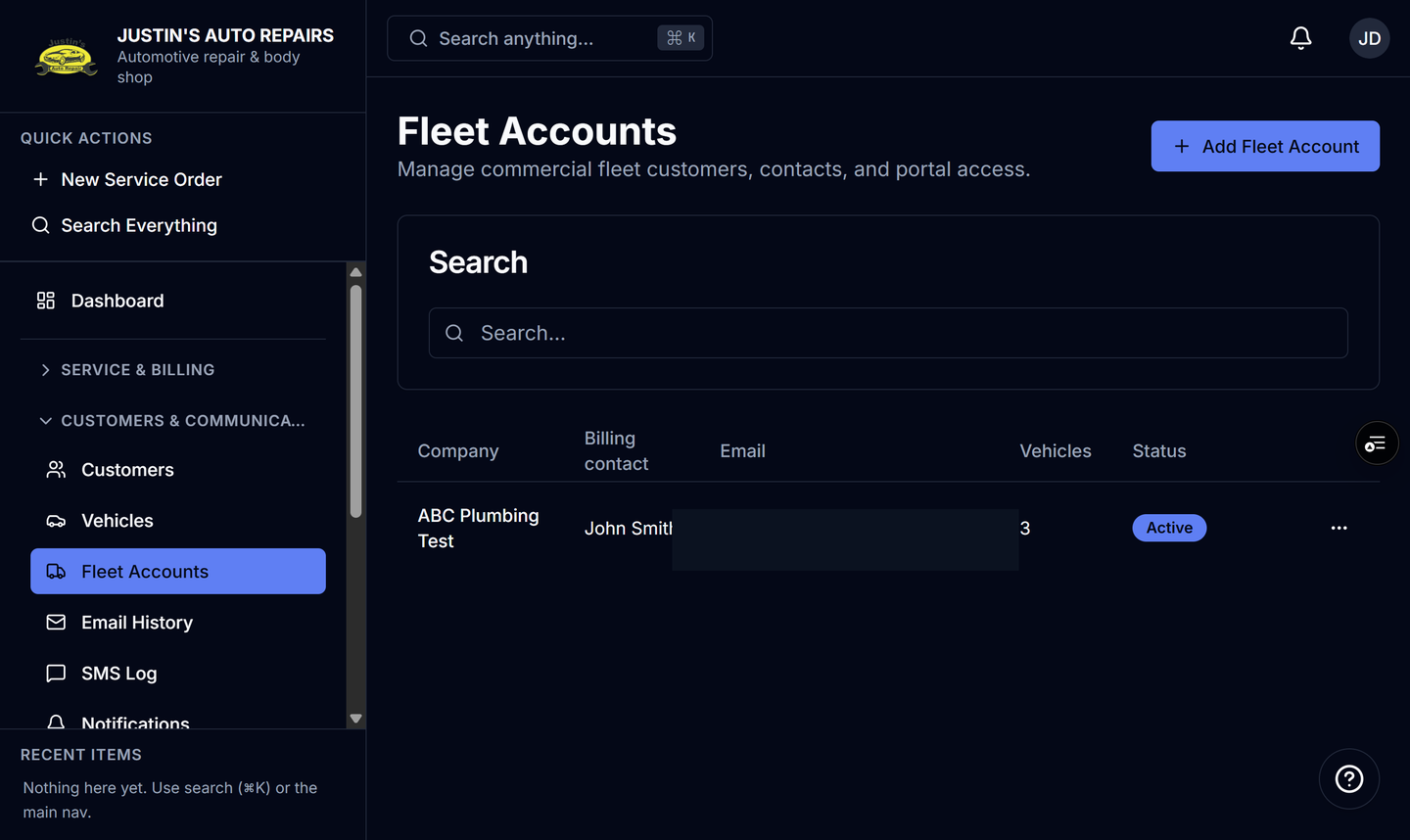
- Open Fleet Accounts.
- Choose Add Fleet Account.
- Enter the company name.
- Enter the billing contact and billing email. Both are required.
- Enter payment terms if you use them, such as Net 30.
- Choose Save.
How you know it worked
The company appears in the list with the billing contact, email, and a vehicle count. Open it to add contacts, vehicles, and the portal link.
Common snags
- Save stays blocked until company name, billing contact, and billing email are filled in.
- Linking vehicles is a later step on the account. The new row can show no vehicles yet.
- Parts discount and labor rate can be set now or later. See Set fleet pricing.