How to add a fleet contact
Who this is for
You add the people who receive billing, approve estimates, or drive a unit.
Before you start
- The fleet account exists. See Add a fleet account.
- Estimates over the pre-authorization threshold go to the Approval contact, not the driver.
Steps
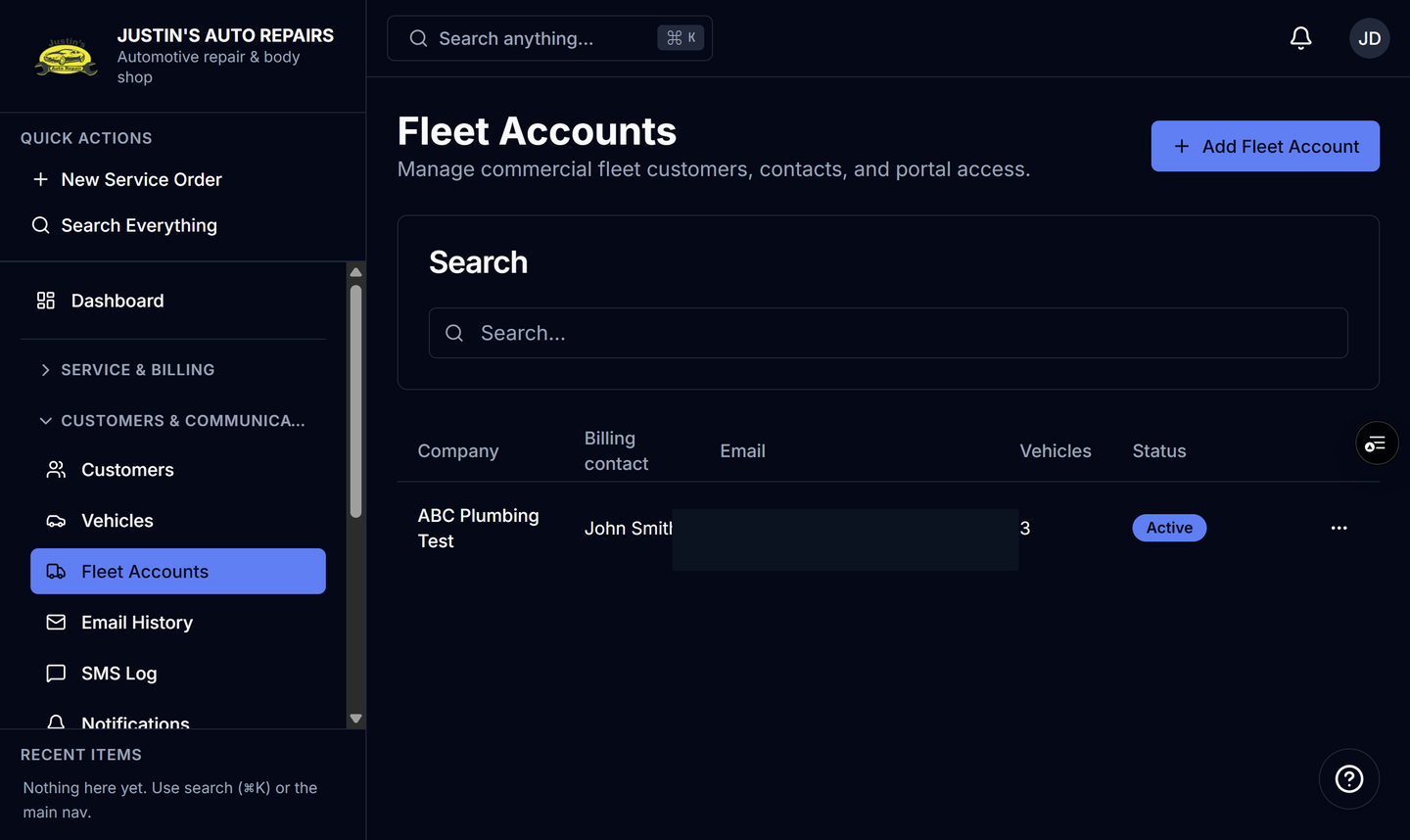
- Open Fleet Accounts.
- Open the company.
- Open the Contacts tab.
- Enter the contact name.
- Choose a role: Billing, Operations, Driver, or Approval.
- Enter an email or phone if you have it.
- Choose Add contact.
How you know it worked
The contact is on the Contacts tab. A primary contact is marked Primary. The Approval contact is who signs estimates that are over the account threshold.
Common snags
- A Driver role on this tab is not the same as the per-vehicle driver link. The driver link is on the Vehicles tab.
- Receptionists can see contacts but cannot add them.
- Deleting a contact removes that person only. It does not remove the fleet account.