How to send a fleet statement
Who this is for
You give a fleet account a monthly statement of its charges, either as a download or an email to the billing contact.
Before you start
- The account has a billing email if you want the statement emailed.
- Statements are generated for the account. This is not a separate statements screen in the sidebar.
- Receptionists can open the account but cannot generate the statement.
Steps
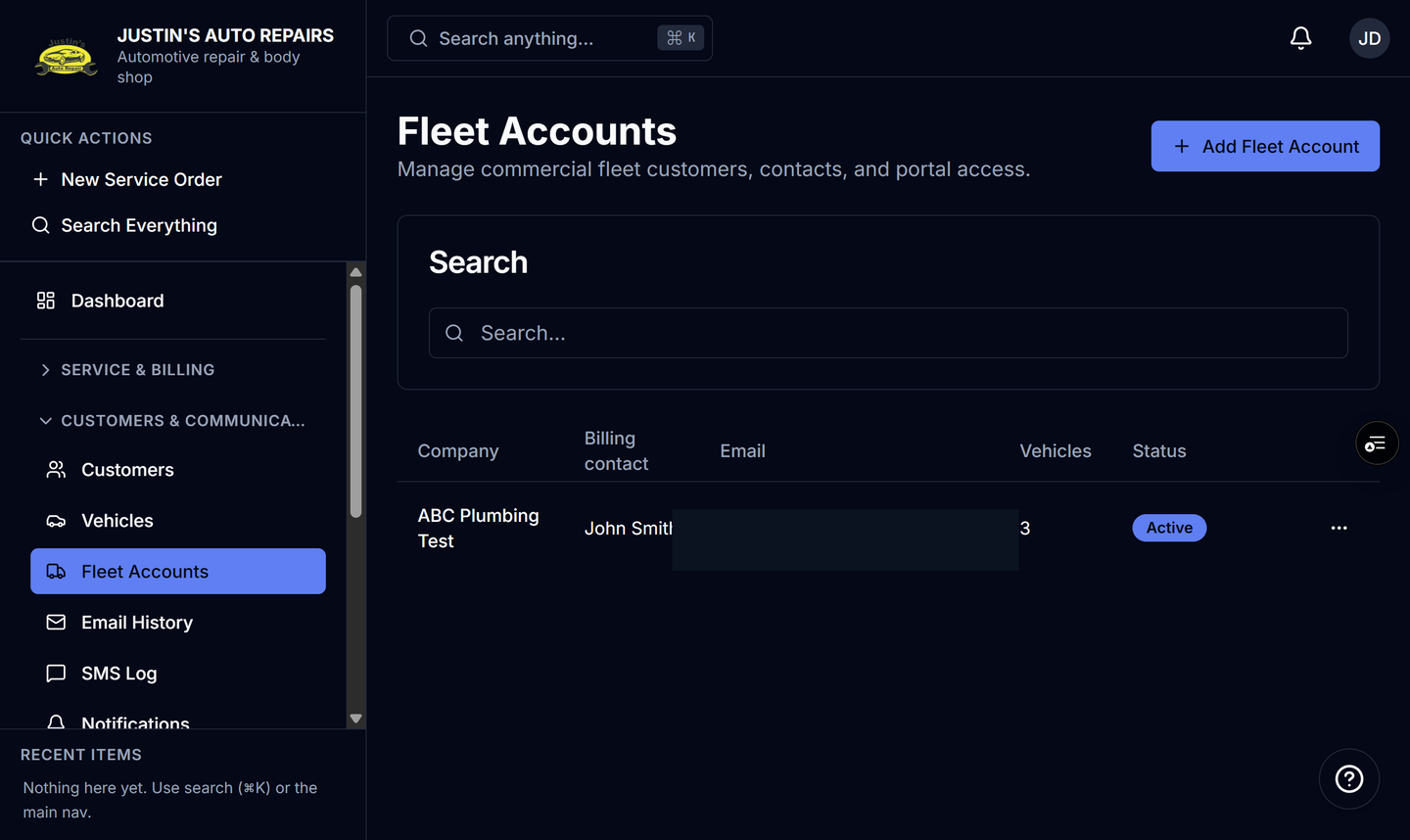
- Open Fleet Accounts.
- Open the company.
- Under Fleet actions, choose Download last month's statement.
- Or choose Email statement to billing contact when the billing contact should receive it.
How you know it worked
Download saves last month's statement for that account. Email goes to the billing email on the account. The same account page is where you confirm the billing contact before you send.
Common snags
- An empty billing email has nowhere to send the message. On the Fleet Accounts list, choose Edit and add the billing email.
- The buttons cover last month. They do not build a custom date range on this screen.
- A weekly or monthly digest is a different email. Set Digest frequency on the account if you want that summary instead of, or as well as, the statement.