How to set fleet pricing
Who this is for
You give one commercial account its own parts discount, labor rate, and a dollar limit that can skip a customer signature.
Before you start
- The fleet account exists. See Add a fleet account.
- The customer on the job must be linked to this account or the rates are not applied.
Steps
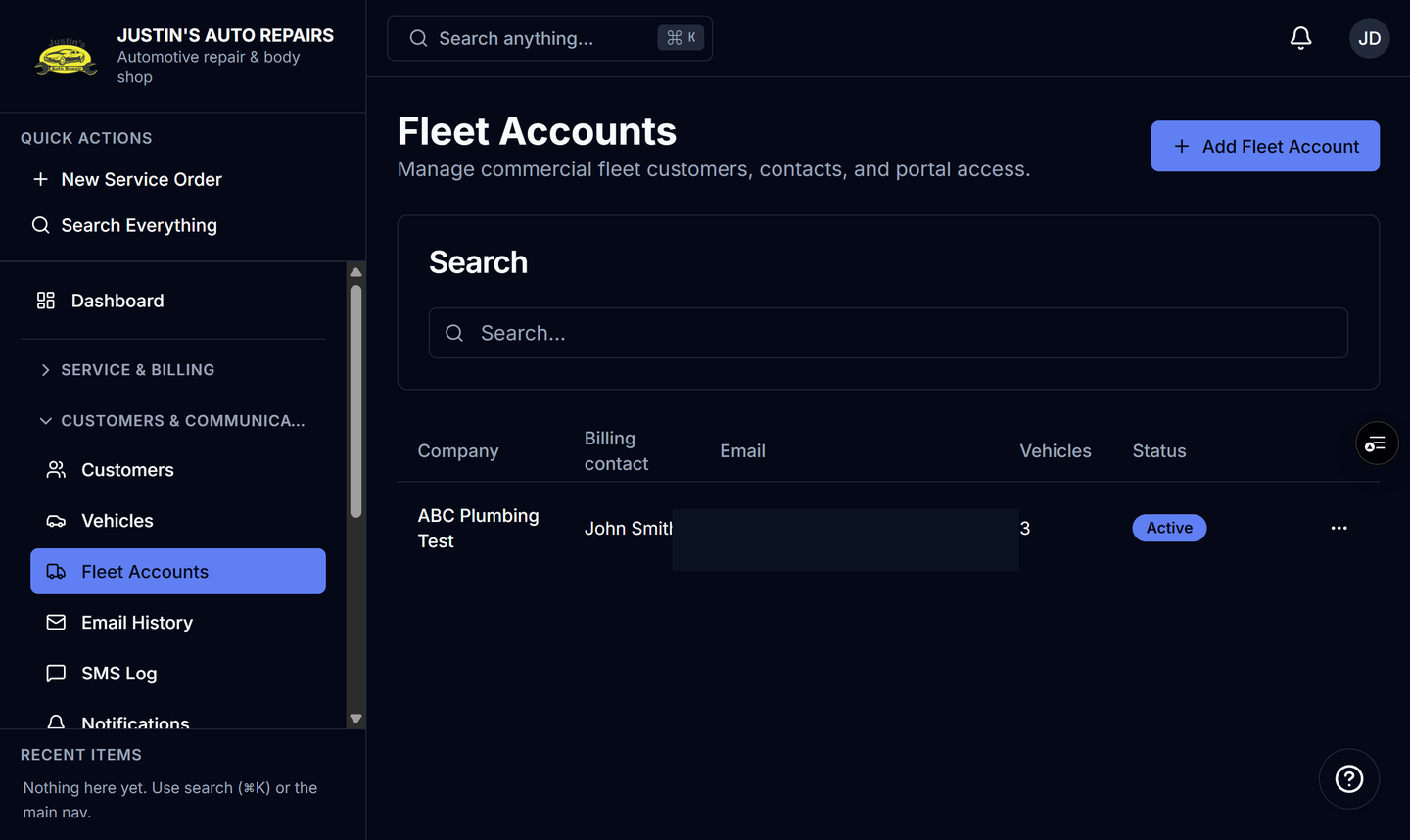
- Open Fleet Accounts.
- On the company row, choose Edit.
- Enter Parts discount (%) if parts should be reduced by that percent.
- Enter Labor rate override ($/hr) if labor should use a flat hourly rate.
- Enter Pre-authorization threshold ($) if estimates at or under that amount should approve without a customer signature.
- Choose Save.
How you know it worked
The next service order for a linked customer shows the fleet rate, with the original price struck through beside the discounted amount. An estimate at or under the threshold shows Auto-approved — fleet pre-authorization and records the approver as Fleet pre-authorization.
Common snags
- Over the threshold, the approval text goes to the fleet approval contact, who must type their full name.
- Leave a pricing field blank if you do not want that override.
- The customer estimate page shows the same fleet banner, so the discount is visible to them.