How to mark inspection points
Who this is for
You record each checklist point as it looks on the vehicle.
Before you start
- The inspection exists and is still a draft. See Start an inspection.
- A shared inspection is read-only. Finish the marks before you share it.
Steps
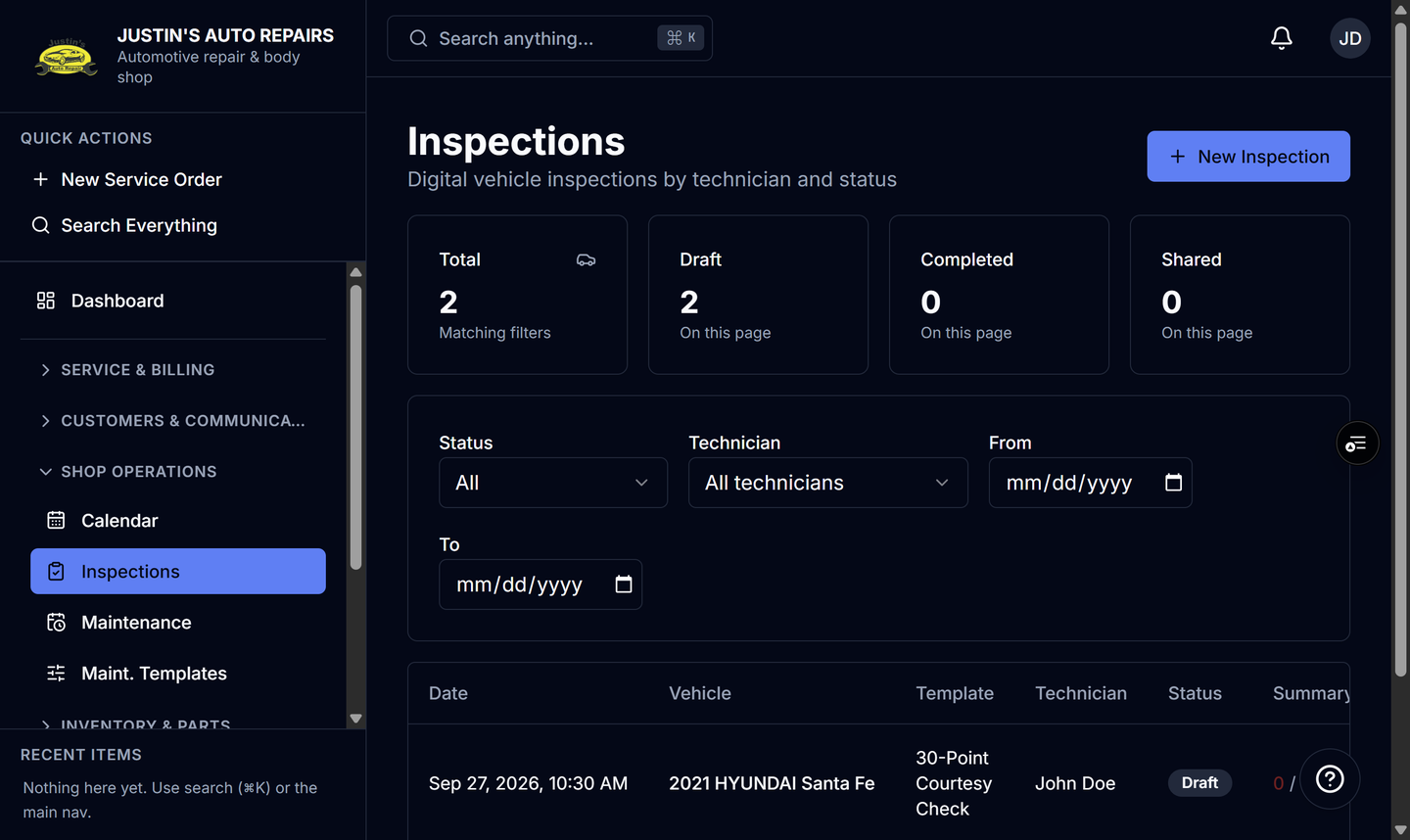
- Open Inspections.
- Open the draft inspection.
- On each point, choose Green, Yellow, or Red.
- Enter notes on any point that needs an explanation.
- Choose Mark complete when the checklist is done.
How you know it worked
The inspection status is Completed. The summary counts Red, Yellow, and Green. You can then share it or create an estimate from the red and yellow points.
Common snags
- Green is a pass. Yellow and Red are the items you can turn into estimate lines.
- Mark complete is only on a draft. It is gone after the inspection is completed.
- You cannot edit points after the inspection is shared.