How to turn on appointment reminders
Who this is for
You confirm that booked customers get a text before they arrive.
Before you start
- Scheduling is on, and the appointment has a phone number.
- These reminders are texts. The SMS module does not turn them on or off, and they do not check SMS consent, because the customer gave the number when they booked.
- There is no reminder switch on Settings.
Steps
- Open Settings.
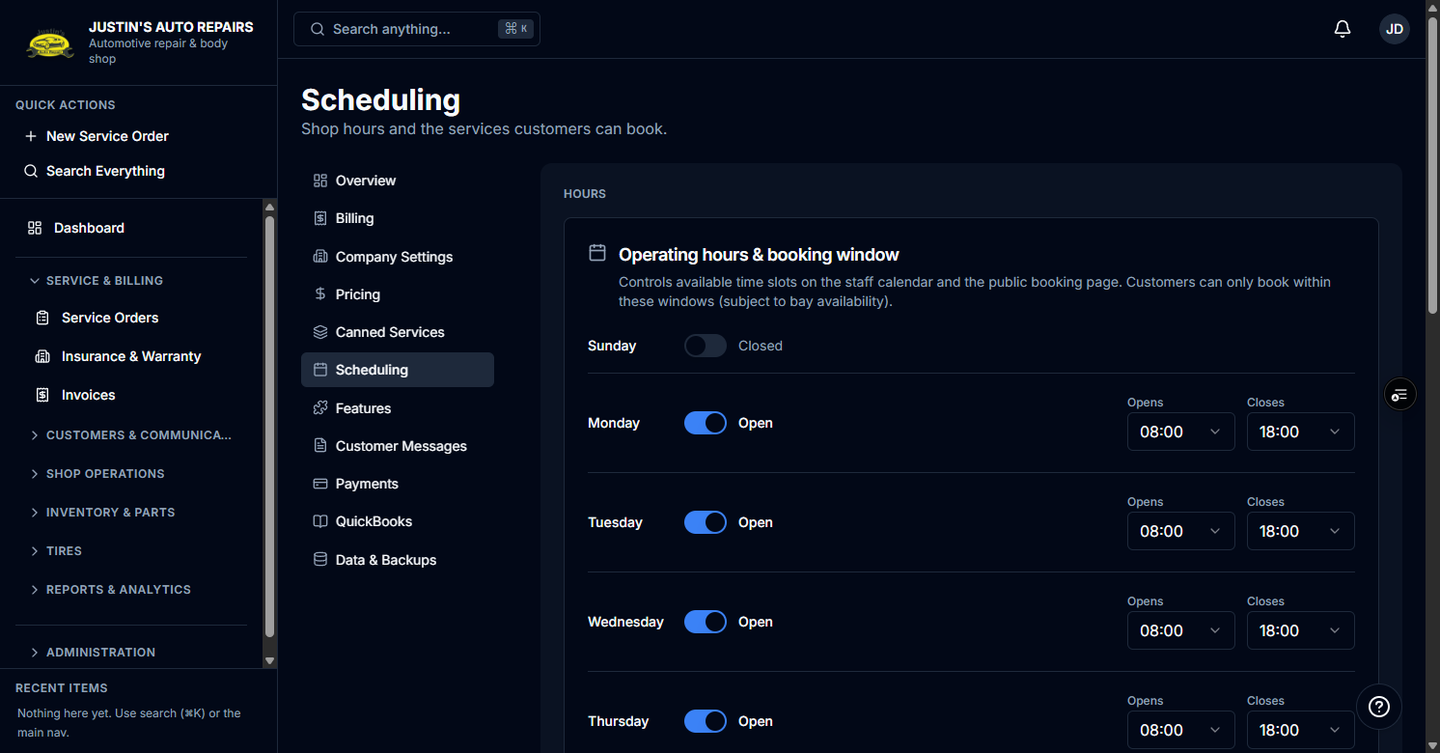
- Choose Scheduling.
- Save operating hours and a booking window so the slots you book are real.
- Add a bookable service and leave it active.
- Book the appointment with the customer's phone number, or let them book on the public page.
- Leave the appointment Booked or Confirmed.
How you know it worked
You do not flip a control. About 24 hours before the visit, a text says the shop name and tomorrow's time. About 2 hours before, a shorter text goes out. After each send, the appointment records that the 24-hour reminder and the 2-hour reminder were sent.
Common snags
- Customer Messages does not include this wording. The calendar says the confirmation and reminder text is not customizable yet.
- Cancelled, completed, and no-show appointments are not reminded. Booked and Confirmed are.
- If no text arrives, the shop's texting number may be unconfigured. Turning on the SMS module is not the switch for these reminders.
- A booking confirmation is a separate text sent right after an online booking. It includes a manage link.