How to handle negative feedback
Who this is for
You read a low private rating and mark it handled after you have followed up with the customer.
Before you start
- The sentiment gate sends a low score to this private inbox instead of the public Google page. See Set up review requests.
- A score under the shop's threshold also raises a Low rating alert in the shop bell. That alert is shared by the whole shop.
- Receptionists can read feedback. Owners and managers mark it resolved.
Steps
- Open Reviews.
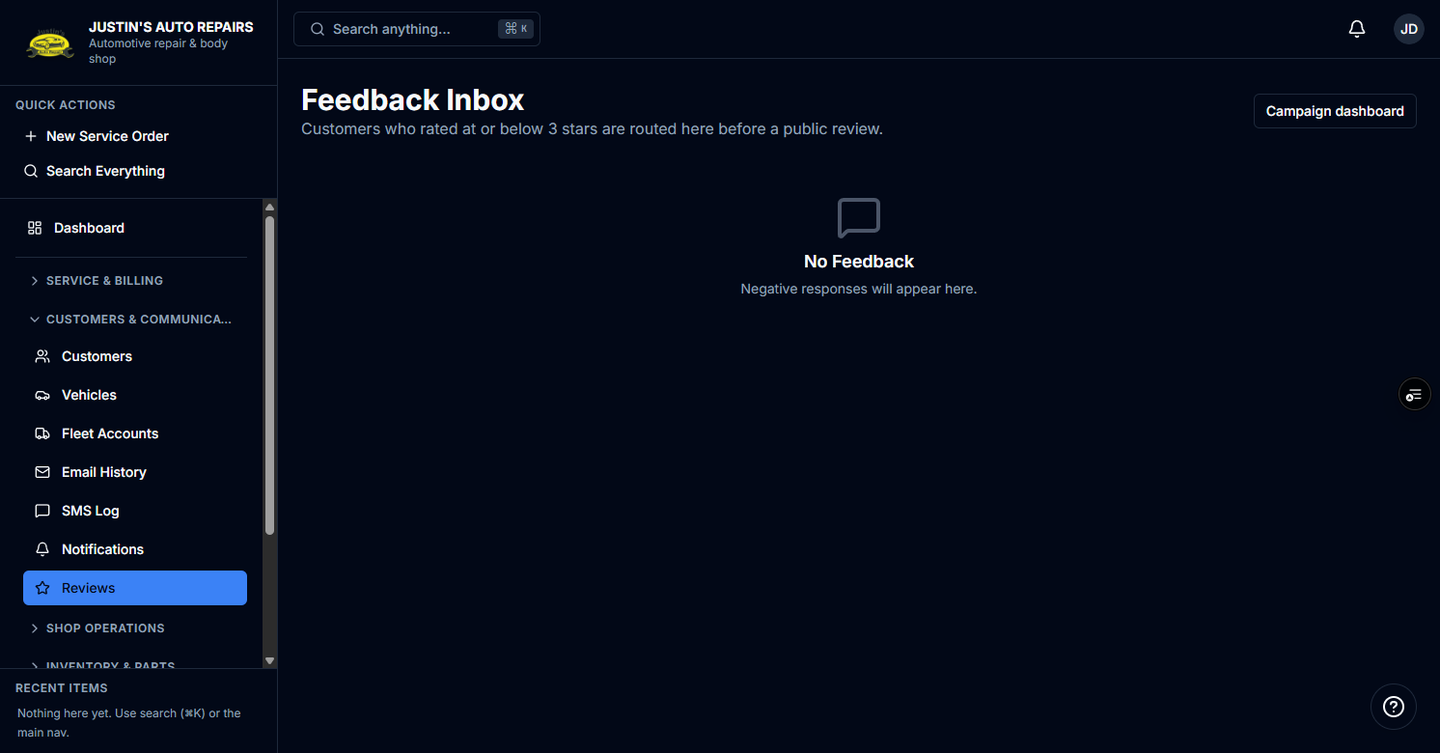
- Choose Feedback inbox.
- Read the score and the customer's comment.
- Choose Customer if you need their record.
- Follow up with the customer outside the inbox.
- Choose Mark resolved when the follow-up is done.
How you know it worked
The row changes from Open to Resolved and shows when it was resolved. It leaves the unresolved count. The customer is not sent to the public review page for that low score when the gate is on.
Common snags
- Mark resolved does not email the customer and does not delete the comment.
- A happy score at or above the promote threshold goes to Google instead of this inbox, when the gate is on.
- Turning review requests back on for a customer does not clear an email unsubscribe. Those customers are skipped.
- The shop notification for a low rating is separate. Marking feedback resolved does not by itself mark that bell alert read.