How to set days between review requests
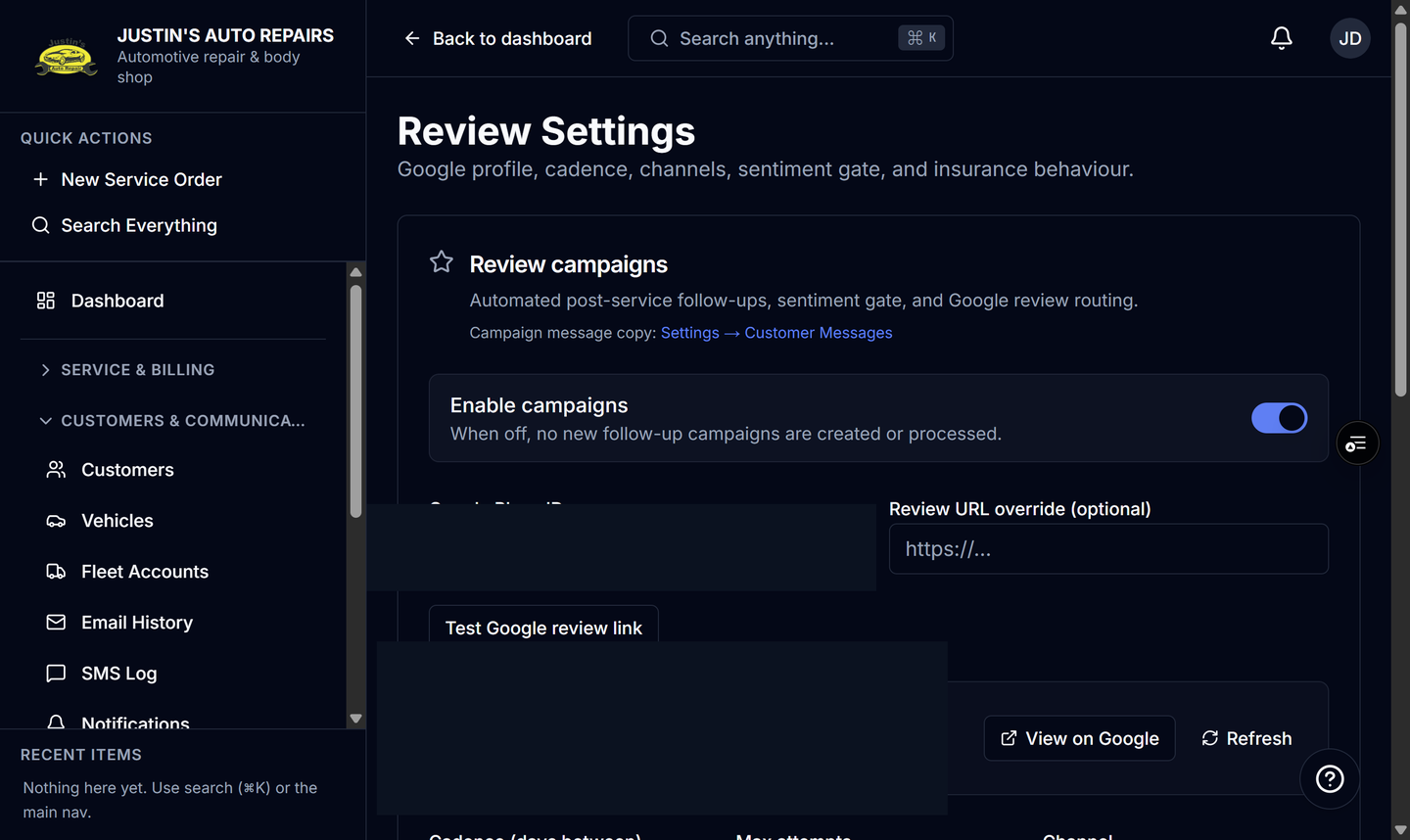
Who this is for
You stop the shop from asking the same customer for a review on every visit.
Before you start
- Enable campaigns is on. See Set up review requests.
- This field is Minimum days between review requests. It is not Cadence (days between), which is the schedule inside one visit.
Steps
- Open Reviews.
- Choose Campaign settings.
- Find Minimum days between review requests.
- Enter a whole number from 0 to 3650. Use 0 to ask after every visit, or 90 to skip someone already asked in the last 90 days.
- Leave the field so the number saves.
How you know it worked
The value stays after you leave the field. The next delivered visit for that customer creates no campaign when a review message was sent inside the window. A sequence that already started for the current visit still finishes.
Common snags
- A visit skipped by this gap has no campaign to resend. Resend only exists for a campaign that was created.
- Resending an existing campaign is unchanged by this number.
- The field saves when you leave it. You do not use a separate Save button for this number.
- Unsubscribe and Send review requests off skip the customer even when the gap is 0.