How to adjust stock
Who this is for
You correct the quantity on hand when a count does not match the shelf.
Before you start
- Inventory is on. See View inventory.
- Only a manager or owner can adjust stock. Receptionists can receive purchase orders but cannot post a manual adjustment.
- The part must be tracking stock. Adjust stock is hidden when it is not.
Steps
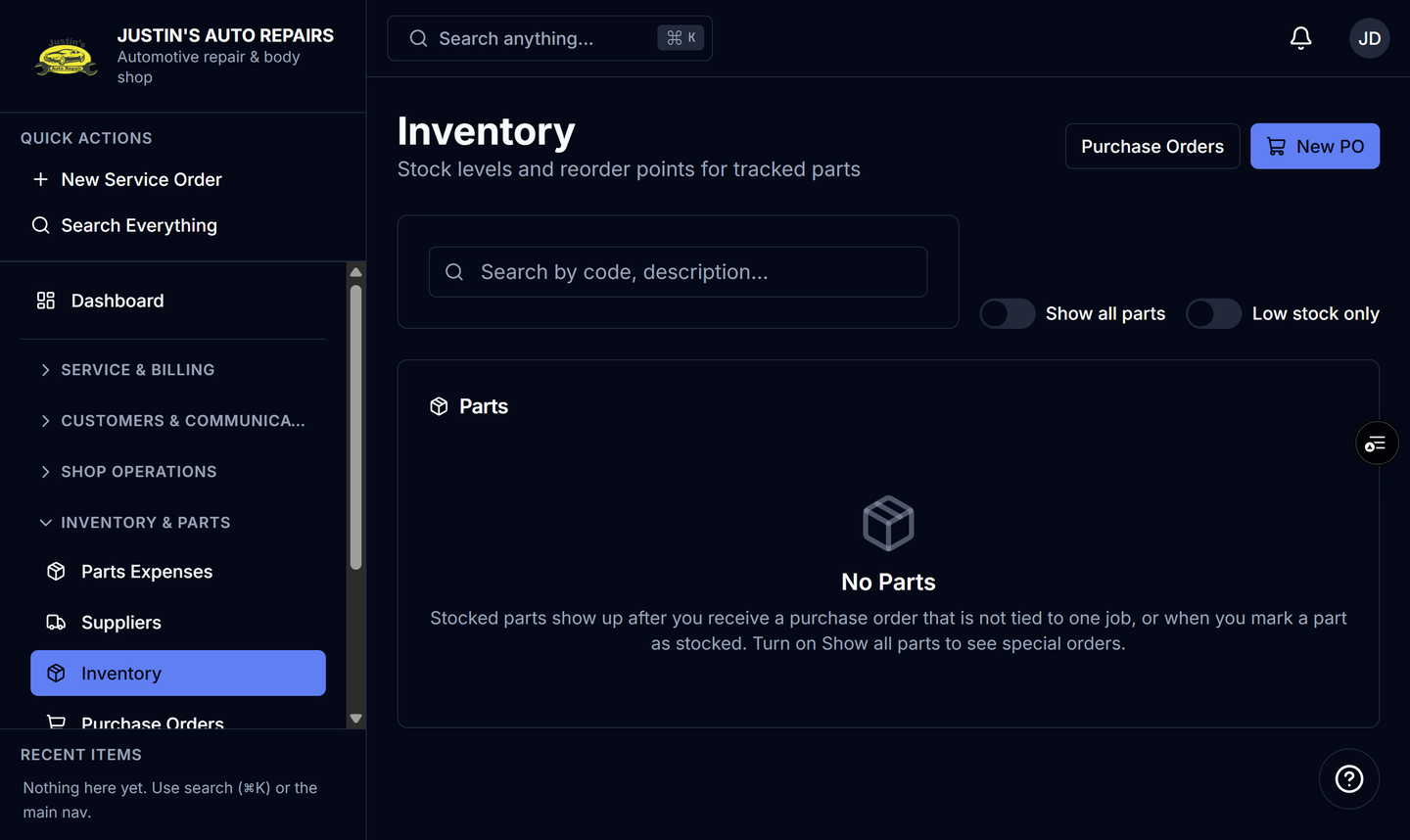
- Open Inventory.
- Open the part.
- Choose Adjust stock.
- Enter the quantity change. A positive number adds. A negative number removes.
- Enter a reason. The reason is required.
- Choose Save.
How you know it worked
On hand changes by the amount you entered. The movement history shows an adjustment with the reason you typed. The old quantity is not overwritten without that history line.
Common snags
- An empty reason is rejected. Say what the count was for, such as a cycle count or damaged stock.
- This does not create a supplier invoice and does not change the price on an open job.
- Receiving a purchase order is a different movement. Use Receive on the purchase order when the parts arrived from a vendor.