How to record an invoice from a job
Who this is for
You enter the supplier's bill for parts on a job that was not ordered through PartsTech, Nexpart, or RepairLink.
Before you start
- The service order has parts, tires, sublet, or towing lines.
- A catalog job uses New PO on Parts orders instead of this button.
- You can record parts expenses. Technicians cannot.
Steps
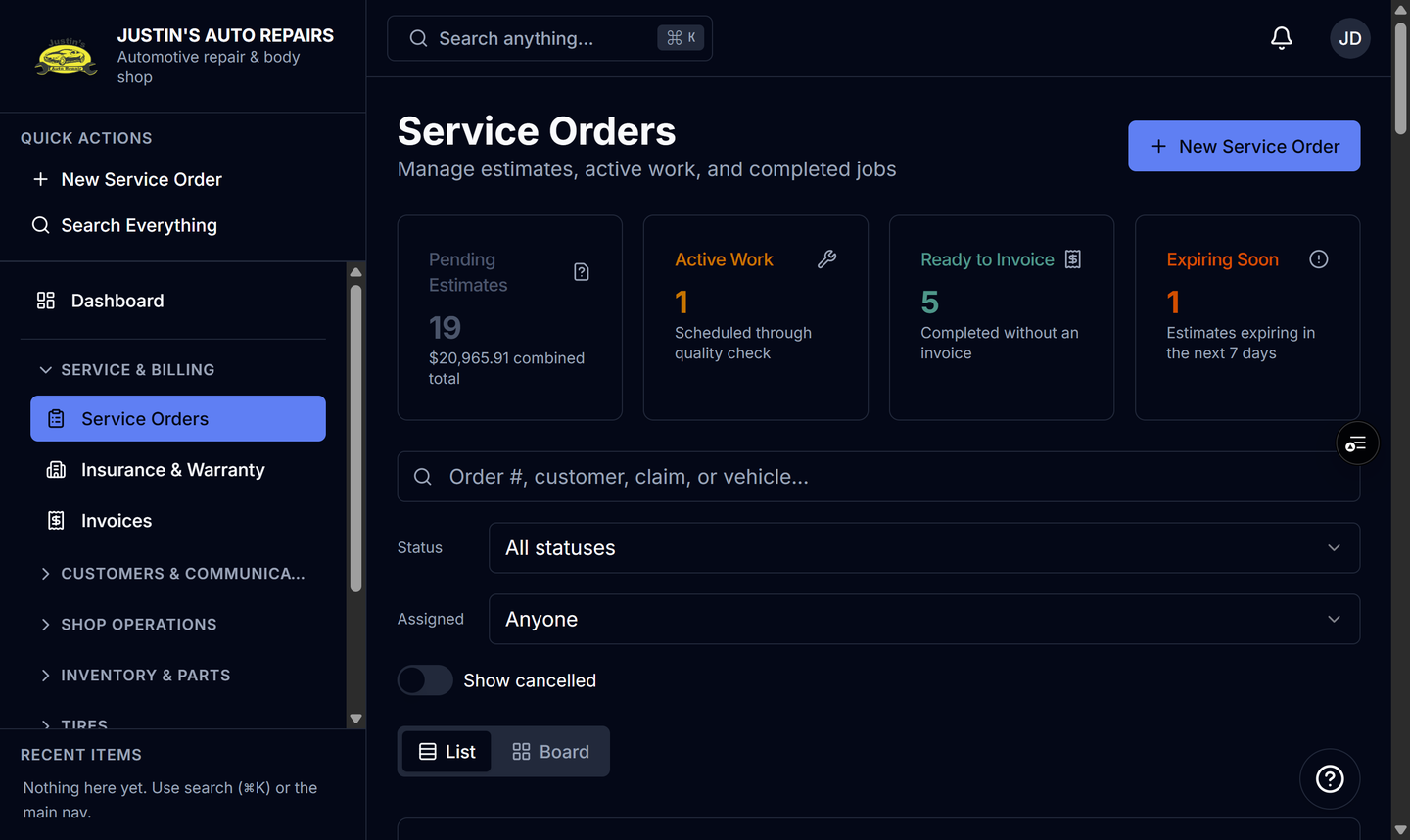
- Open Service Orders and open the job.
- On the Parts orders card, choose Record invoice.
- Check that this service order is already on the invoice and its lines are filled in.
- Confirm the supplier. When every line is from the same seller, that supplier is already selected.
- Enter the vendor's invoice number and the amounts on the bill.
- Adjust quantity and unit cost to match the bill.
- Choose Record invoice.
How you know it worked
Parts Expenses lists the invoice, and the job lines you linked carry the vendor cost. The Parts orders card offered Record invoice because this job did not come from a catalog.
Common snags
- If you see New PO or Order all parts instead, the job has catalog lines. Raise the purchase order, then receive it. Do not expect Record invoice on that card.
- Lines already linked to another invoice are left off and named on the form.
- Leaving the page after you type asks you to confirm. That guard does not cover refresh or closing the browser tab.