How to merge duplicate parts
Who this is for
You retire a duplicate part number and keep one part for stock and future orders.
Before you start
- Both part numbers already exist. Open the one you want to retire.
- Only a manager or owner can merge. The button sits with Create PO on the part.
Steps
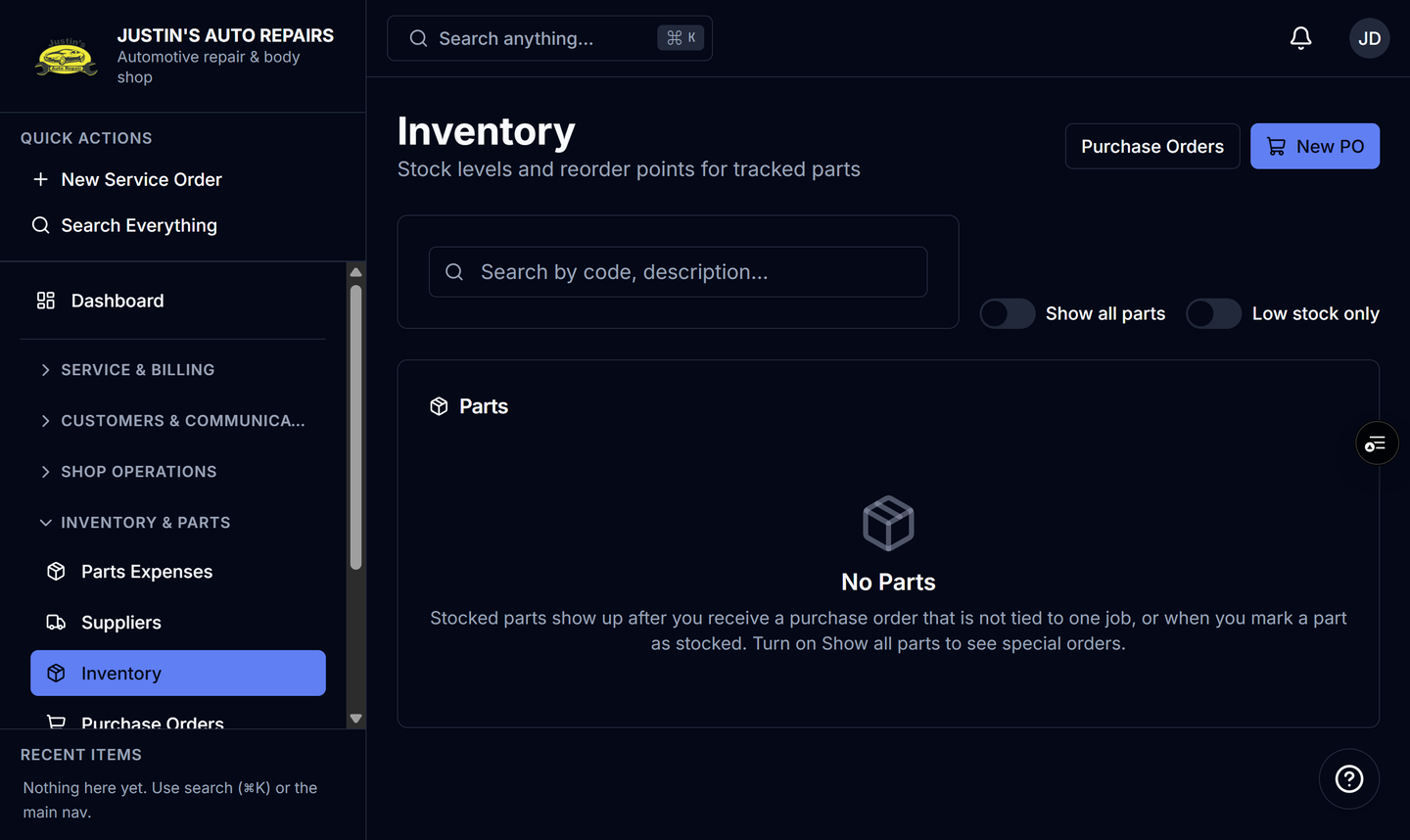
- Open Inventory.
- Open the duplicate part, the number you want to stop using.
- Choose Merge into….
- Enter the part number you want to keep.
- Choose Merge.
How you know it worked
The part you opened is retired. Its stock and price history move to the part you kept. Later orders that use the old number resolve to the kept part.
Common snags
- Merge the duplicate into the keeper, not the other way around. The screen says the open part is the one that is retired.
- The two parts must belong to this shop. A number that does not exist is not a target.
- This does not delete history. The old number remains as an alias so a search can still find the kept part.