How to view inventory
Who this is for
You look up what is on the shelf, what is low, and what a part last cost.
Before you start
- Inventory is included on every plan and is on unless the shop turned it off.
- Technicians and accountants can view stock. Technicians cannot open suppliers. Accountants do not get the Suppliers item.
Steps
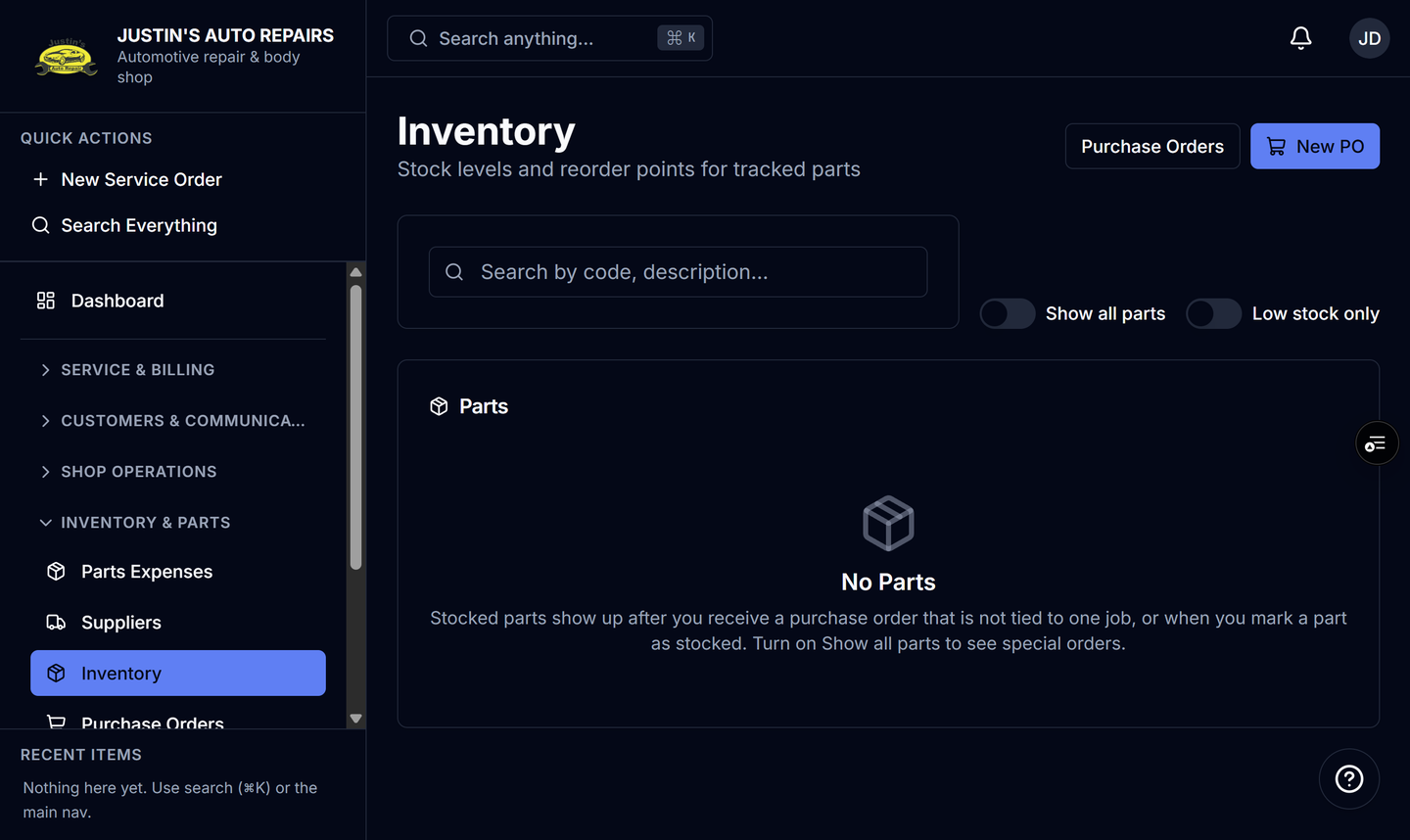
- Open Inventory.
- Read the list of stocked parts.
- Search for a part number or description.
- Turn on Low stock only to see parts at or under the reorder point.
- Turn on Show all parts to include special-order parts that are not stocked.
- Open a part to see on hand, costs, and movement history.
How you know it worked
The list shows quantity on hand. A stocked part appears after you receive a purchase order that is not tied to one job, or after you mark the part as stocked. Show all parts includes the rest.
Common snags
- The list can look empty while Show all parts is off and nothing is marked stocked yet.
- Last cost is shown to roles that can see profit figures. Other people still see quantity.
- Part numbers are saved even if inventory is later turned off. The stock pages are what turn off with the module.
- A daily low-stock email can go to the owner. The on-screen list is what you use during the day.