How to add a warranty provider
Who this is for
You add the company that pays a warranty repair, so the job is not billed as a walk-in.
Before you start
- Insurance and warranty share one module and one sidebar item, Insurance & Warranty.
- Use Kind Warranty provider. An Insurer row will not appear on a warranty job.
Steps
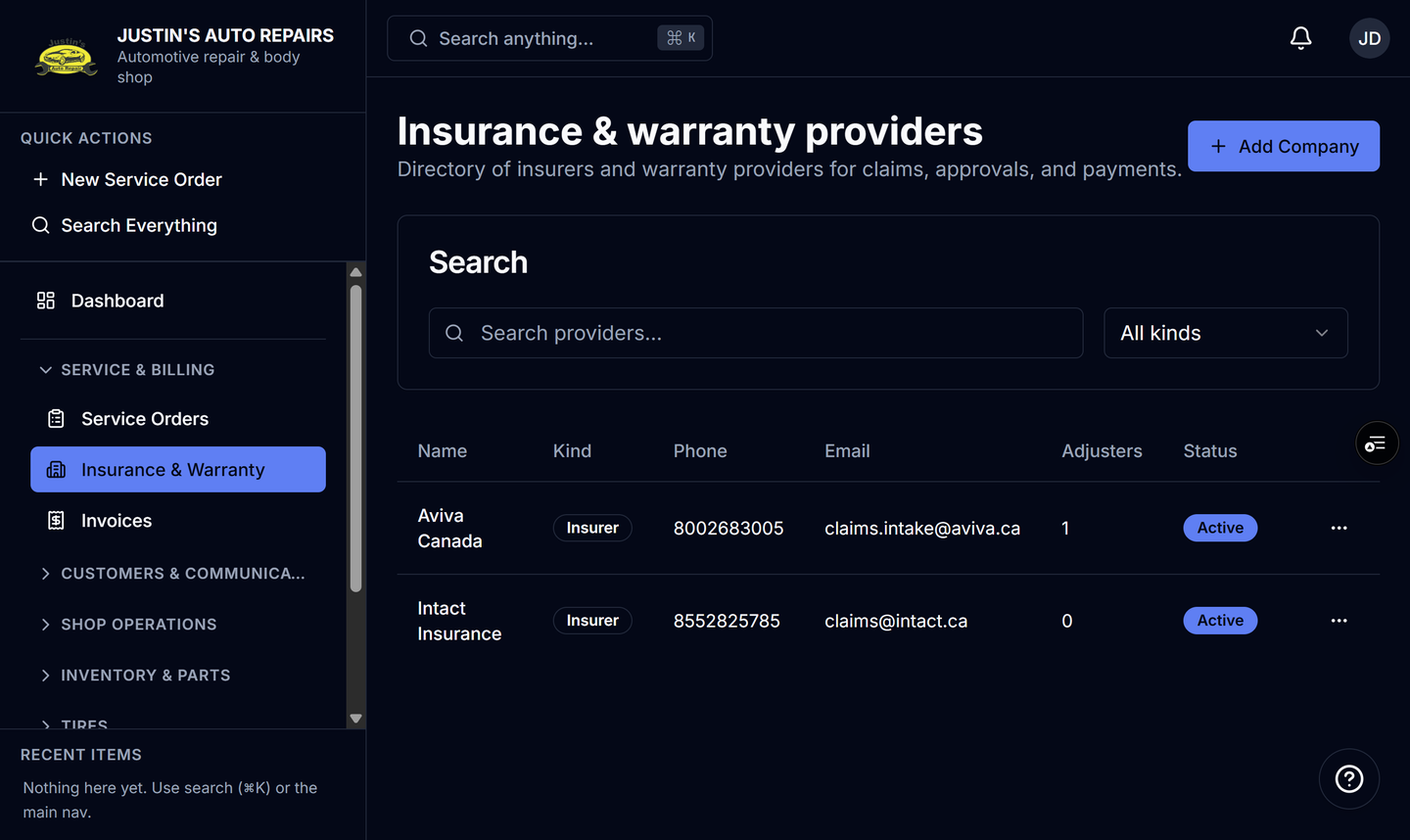
- Open Insurance & Warranty.
- Choose Add Company.
- Set Kind to Warranty provider.
- Enter the provider name.
- Enter the email where their invoices should go.
- Under Billing (AR), enter the billing email, billing contact, and payment terms.
- Choose Save.
How you know it worked
The row shows a Warranty provider badge. The kind filter Warranty provider includes it, and warranty jobs list only this kind.
Common snags
- Existing companies default to Insurer. Open the company and choose Edit if you need to change Kind.
- Deactivate hides the provider from new jobs. Delete is refused while any service order still points at it.
- Claims contacts are added on the company page under Adjusters. See Add an adjuster.