How to bill the insurer
Who this is for
You address the repair balance to the insurer or warranty provider, and leave the deductible (and betterment, on insurance) for the customer.
Before you start
- The service order is completed and has no invoice yet.
- The job has a directory company whose kind matches the job: Insurer or Warranty provider.
- Warranty jobs can always be billed to the provider. An insurance job set to registrant net-of-tax cannot.
Steps
- Open the completed service order from Service Orders.
- On the Billing card, turn on Bill insurer directly, or Bill warranty provider directly.
- Read the note that names the company and the customer portion.
- Choose Create invoice.
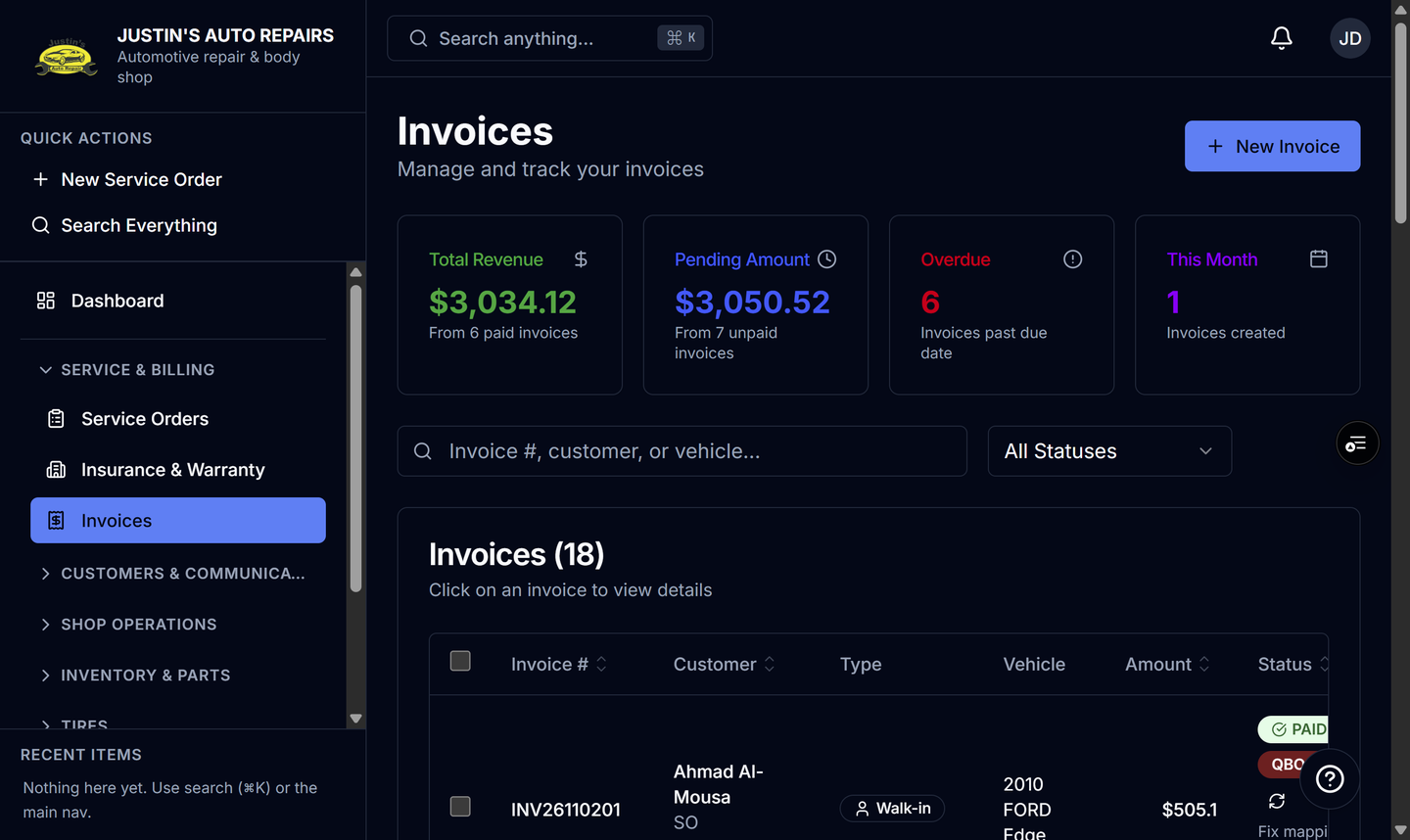
- Open Invoices and open the new invoice.
- Send it and include the provider when you want the PDF emailed to them.
How you know it worked
The invoice total is the provider balance, not the full repair. The PDF says Bill To (Insurer) or Bill To (Warranty provider), lists the vehicle owner separately, and shows the customer deductible. A warranty PDF says Customer Deductible and does not mention registrant tax.
Common snags
- Leave the switch off to bill the vehicle owner, which is the default.
- If the insurance job says GST/HST registrant claims must be billed to the customer, the provider switch is not available.
- The provider email option appears only after the invoice is billed to them. The customer can still get a text about their deductible.
- When QuickBooks is connected, this invoice maps to the provider, not the vehicle owner. QuickBooks is an Enterprise add-on.