How to create a warranty job
Who this is for
You open an estimate the warranty provider pays, except for the customer's deductible.
Before you start
- The provider is Kind Warranty provider. See Add a warranty provider.
- A customer marked warranty pre-selects this job type. You can still choose it yourself.
Steps
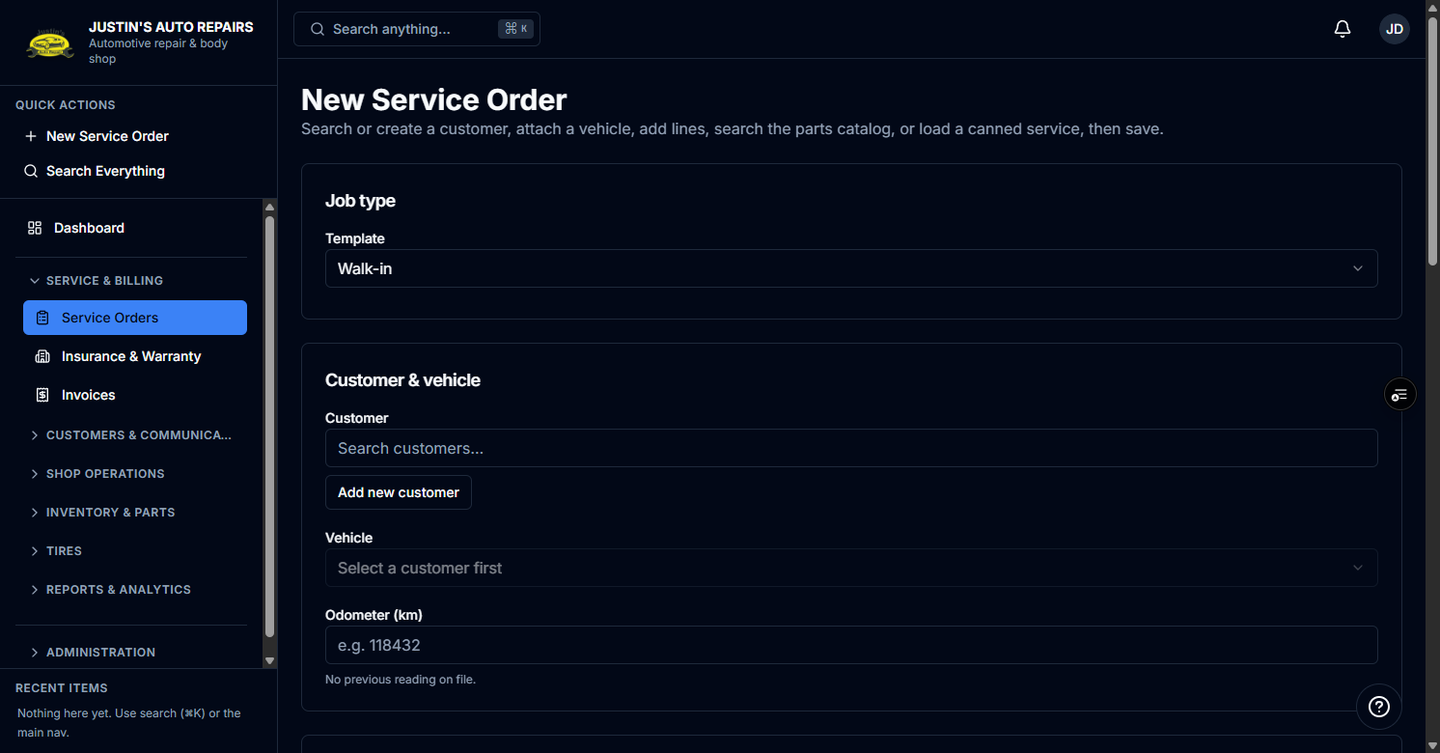
- Open Service Orders and start a new service order.
- Choose the customer and vehicle.
- Set Job type to Warranty.
- Choose the warranty provider.
- Enter the claim or authorization number.
- Enter the deductible the customer will pay.
- Add a claims contact only if you already have one.
- Add the repair lines.
- Choose Create service order.
How you know it worked
The job badge says Warranty. Tax treatment and betterment are not on the form. The totals preview shows a Warranty provider portion. Example: a $1,000 repair with a $250 deductible leaves $750 for the provider and $250 for the customer.
Common snags
- An Insurer company does not appear in the provider list.
- Betterment is forced to zero and is hidden. Do not add it as an extra customer charge.
- The job stays an estimate until you change status. It is not ready to start until the customer and the provider both approve.