How to add an insurance company
Who this is for
You keep the shop's insurer list so a claim job can bill the right carrier.
Before you start
- Insurance and warranty is a Professional module. If Insurance & Warranty is missing from the sidebar, it is off for this shop.
- Technicians and accountants cannot add or edit companies.
Steps
- Open Insurance & Warranty.
- Choose Add Company.
- Set Kind to Insurer.
- Enter the company name.
- Enter a contact email if you have one.
- Open Billing (AR) and enter the billing email, billing contact, and payment terms you want on their invoices.
- Choose Save.
How you know it worked
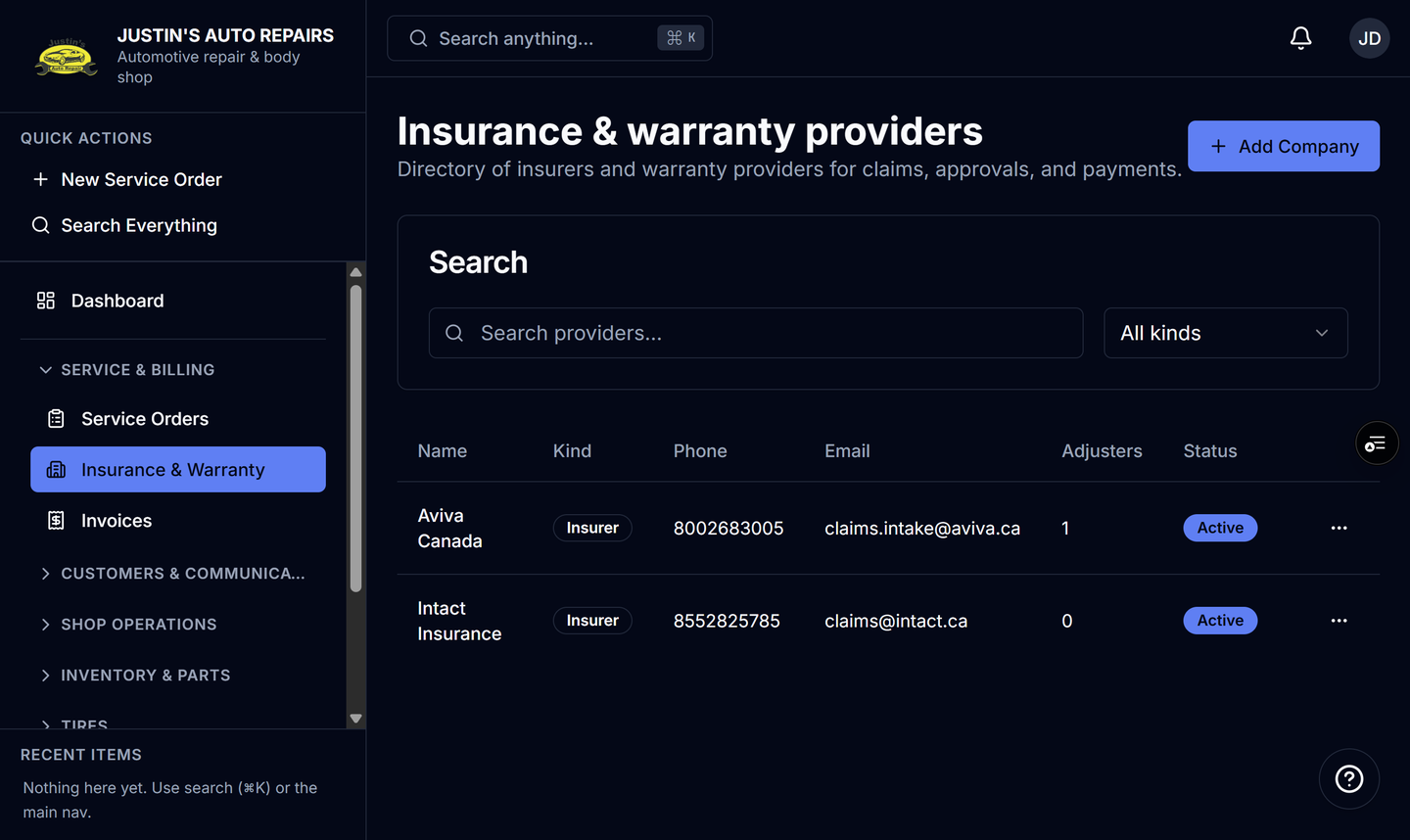
The company is on the Insurance & warranty providers list with an Insurer badge. New insurance jobs can select it.
Common snags
- Deactivate hides the company from new jobs. Historical jobs keep the link. Delete works only when no service order uses the company.
- Deactivating a company does not deactivate its adjusters. New jobs simply stop listing that company.
- A warranty company uses Kind Warranty provider. See Add a warranty provider.