How to understand warranty vs insurance
Who this is for
You choose the job type when a third party pays the repair and the customer pays only their share.
Before you start
- Both types use the Insurance and warranty module. The sidebar item is Insurance & Warranty.
- Both companies live in the same directory. Kind is Insurer or Warranty provider.
Steps
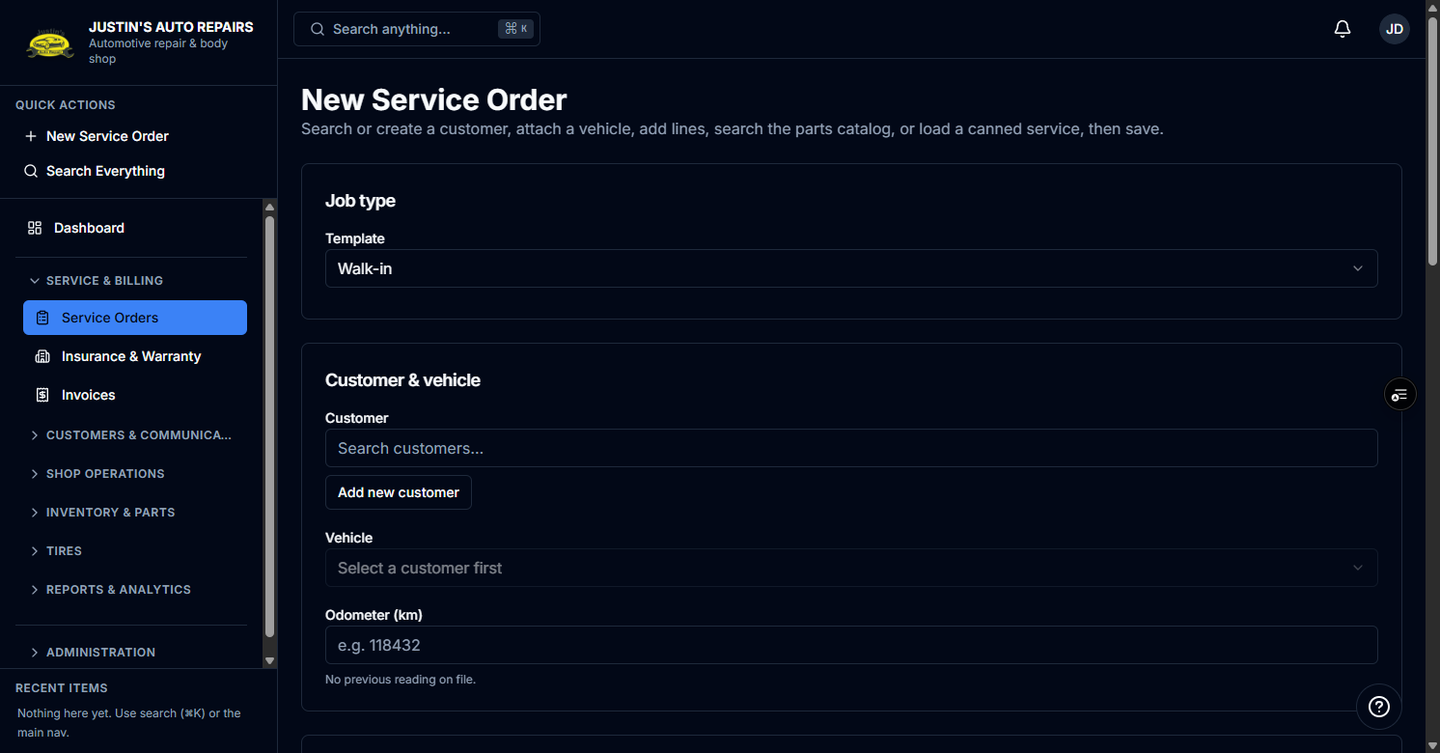
- Open a new service order.
- Choose Insurance when a carrier pays the claim.
- Enter deductible and, if the customer owes it, betterment.
- Set tax treatment only when the job is insurance. Leave it standard unless the claim is a registrant net-of-tax bill, which must stay in the customer's name.
- Choose Warranty when a warranty provider pays the repair.
- Enter the deductible only. Betterment and tax treatment are hidden.
- Read the totals preview before you save.
How you know it worked
An insurance preview splits insurer portion and customer portion, and the customer portion can include betterment. A warranty preview shows Warranty provider portion. The customer owes the deductible only. A $1,000 repair with a $250 deductible bills $750 to the provider and $250 to the customer. Warranty tax is the shop's normal tax.
Common snags
- Do not put a warranty provider on an insurance job, or an insurer on a warranty job. The lists are filtered by kind.
- Warranty never uses the registrant net-of-tax path. You can bill the provider directly on a warranty job.
- Approval is the same idea for both: the customer signs, and the provider approves the dollars. Labels change to Warranty provider and Claim / authorization #.