How to add an adjuster
Who this is for
You store the claims contact who will receive the approval link for a carrier or warranty provider.
Before you start
- The company already exists. See Add an insurance company or Add a warranty provider.
- The contact is optional on a job. You can add it after intake.
Steps
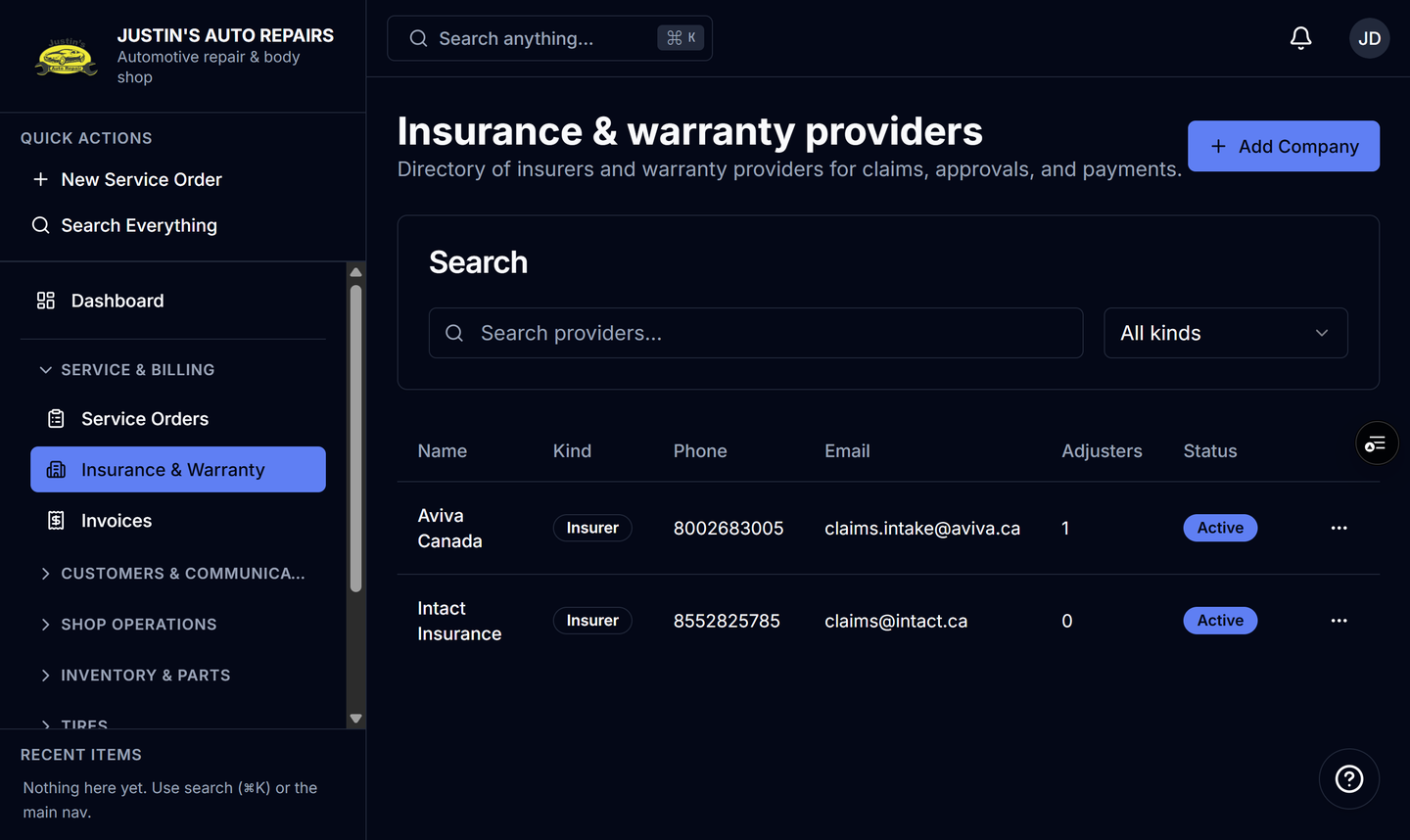
- Open Insurance & Warranty.
- Open the company row.
- In the Adjusters section, choose Add.
- Enter the contact name.
- Enter the email you will use for approval links.
- Enter a phone number if you also want to text the link.
- Choose Save.
How you know it worked
The contact is listed under Adjusters on that company. On a new job, the contact dropdown for that company includes them.
Common snags
- The contact dropdown stays empty until you select a company.
- Create new adjuster… on a service order is the same add, and it only appears for owners, managers, and receptionists.
- Deactivate a contact who has left. Delete is blocked once a service order has used them.