How to create an insurance job
Who this is for
You open an estimate where the insurer pays the repair balance and the customer pays the deductible and any betterment.
Before you start
- The carrier is in Insurance & Warranty, or you will type a company name that is not in the directory.
- Put the policy number on this job. The old policy field on the customer record is no longer the place to enter it.
Steps
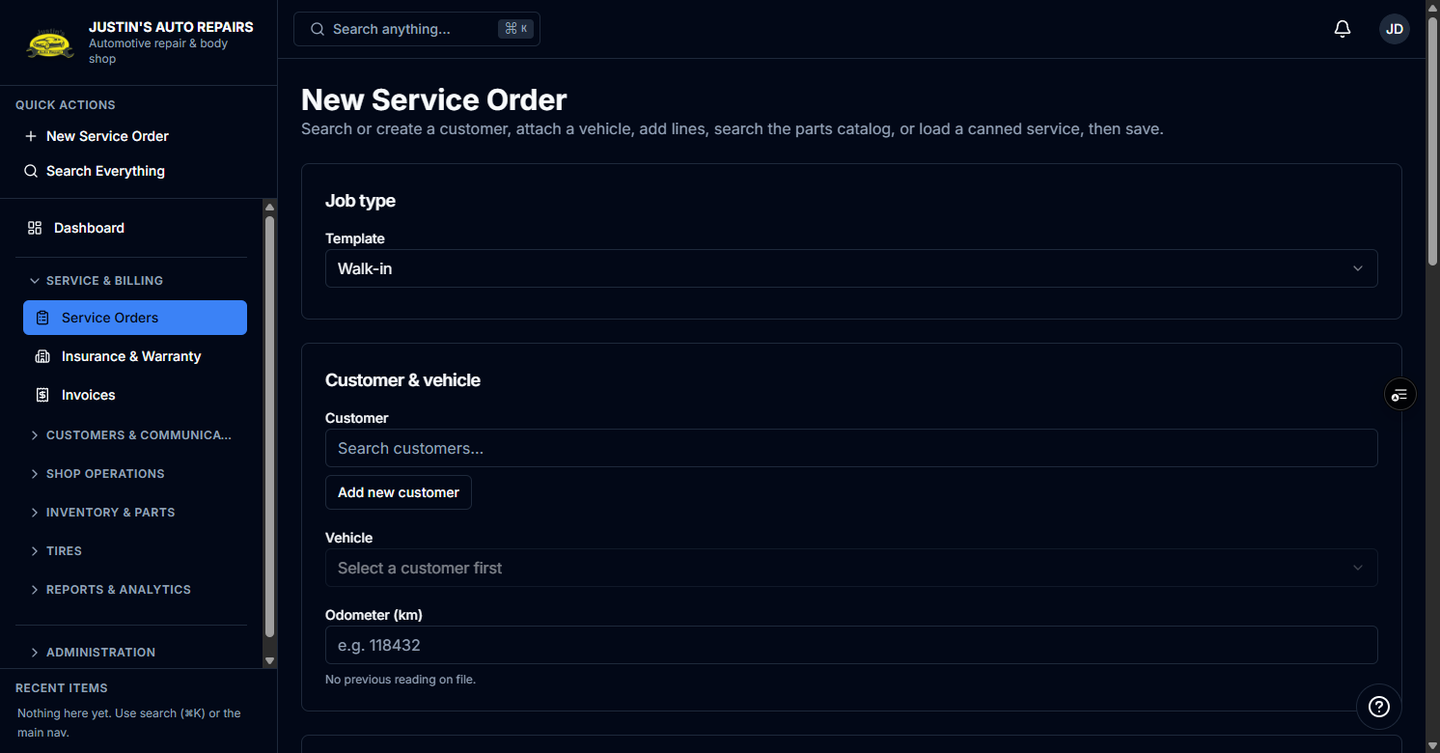
- Open Service Orders and start a new service order.
- Choose the customer and vehicle.
- Set Job type to Insurance.
- Choose the insurer. The list shows Insurer companies only.
- Enter the claim number.
- Enter the policy number if you have it.
- Enter the deductible, and betterment if the customer owes it.
- Choose a claims contact if you already know who will approve the estimate.
- Add the lines, then choose Create service order.
How you know it worked
The job opens as an estimate with an Insurance badge. The totals preview shows the insurer portion and the customer portion. The job is not ready to start until the customer and the adjuster both approve.
Common snags
- Tax treatment is an insurance-only choice. A registrant net-of-tax job must be billed to the customer, not the insurer.
- The claims contact can stay blank at intake. You can add one later from the company or with Create new adjuster…
- Technicians and accountants cannot create the job.