How to open insurance and warranty reports
Who this is for
You are an owner or a manager reviewing insurer and warranty-provider work: open claims, supplements, revenue, cycle time, and deductibles.
Before you start
- The Insurance and warranty module is on for this shop. BayOps support or the plan turns that module on.
- Accountants use Accounting reports for shop-wide tax and receivables.
Steps
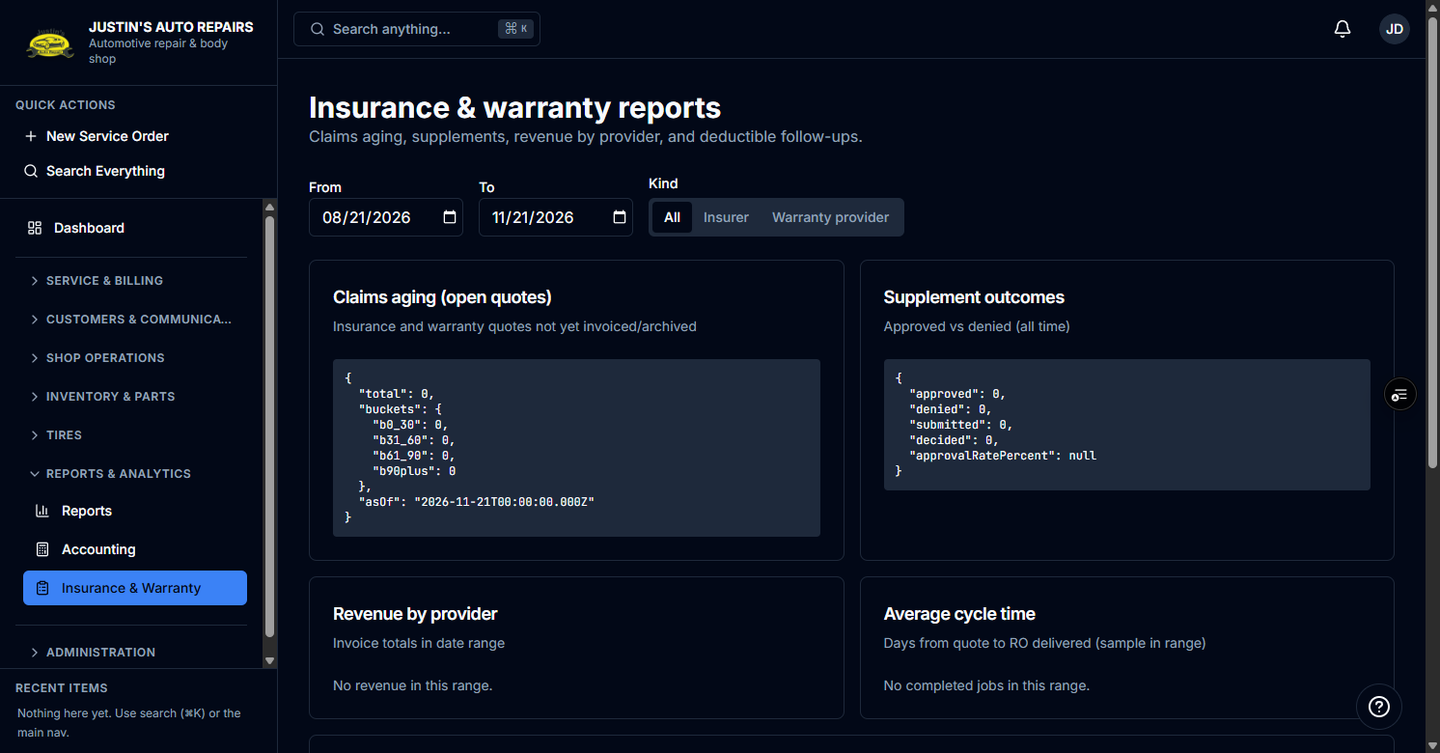
- Open Reports & Analytics in the sidebar.
- Choose Insurance & Warranty.
- Set the from and to dates. The page opens on the last three months.
- Choose All, the insurer tab, or the warranty-provider tab.
- Read Claims aging, Supplement outcomes, Revenue by provider, Average cycle time, Insurer AR by carrier, and Deductible / balance follow-up.
How you know it worked
The title is Insurance & warranty reports, and the tables match the tab you selected.
Common snags
- Insurance & Warranty is missing from the sidebar. The module is off. Contact BayOps support.
- The page says you do not have access. This report follows summary-report access: owner and manager.