How to read the weekly owner email
Who this is for
You are an active owner. BayOps emails you on Monday morning Eastern time. The message covers last week, Monday through Sunday, in Eastern time.
Before you start
- The email goes to each active owner. There is no screen that turns the digest on.
- Empty lines are left out. If nothing needs attention, that section is omitted.
Steps
- Open the Monday email. The subject starts with Weekly shop digest.
- Read Last week for cash collected, amount invoiced, repair orders opened, estimates approved, repair orders completed, and average ticket, each compared with the week before when that prior figure was not zero.
- Read Needs attention for outstanding receivables, work in progress, completed jobs that are not invoiced, and estimates still open after three days.
- Read This week for jobs promised in the next seven days, including any already past the promised date.
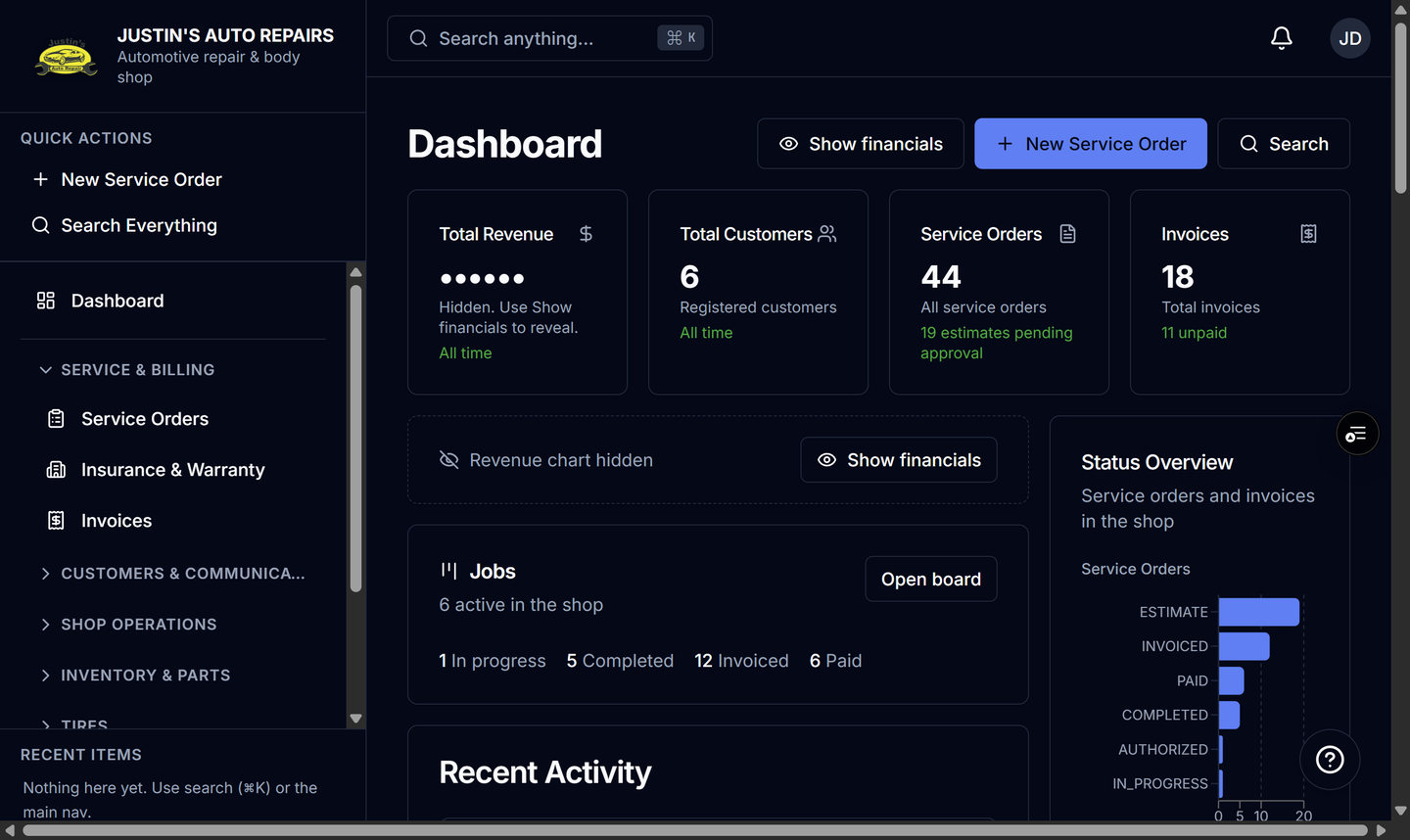
- Choose View dashboard.
- On the home page, choose Show financials if revenue is hidden.
How you know it worked
The email names last week's date range, and View dashboard opens the shop home page.
Common snags
- You expected this week's sales in the first section. Last week is the week that already ended. Jobs promised from today forward are under This week.
- Upcoming appointments are missing. That list is included only when scheduling is on, and the whole This week section is omitted when scheduling is off and nothing is promised.