How to read all-time revenue
Who this is for
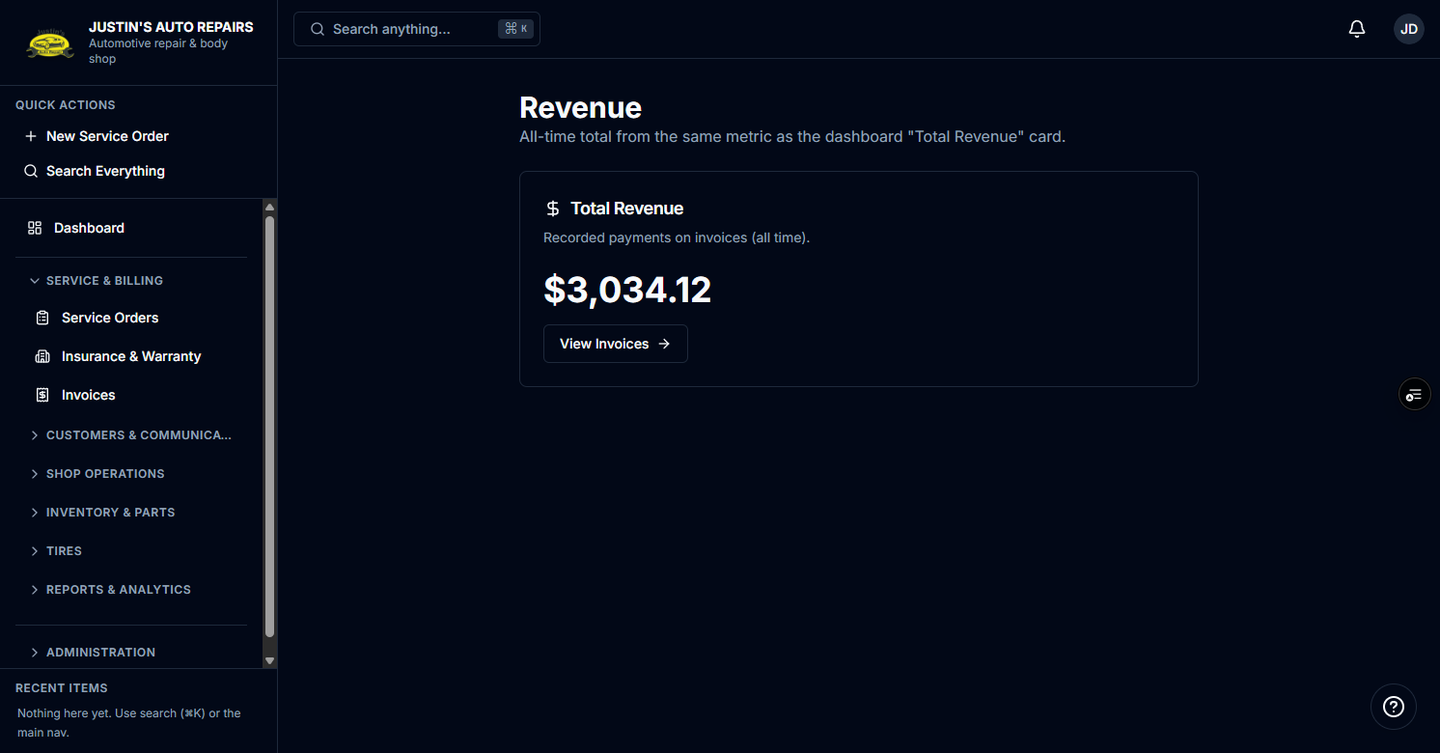
You are the owner checking the all-time total of payments recorded on invoices. The same number sits on the dashboard Total Revenue card.
Before you start
- Sign in as the owner. Managers and accountants do not get this total on the dashboard.
- Revenue on the home page stays hidden until you reveal it, so a customer at the counter does not see it.
Steps
- Open the shop home page.
- Choose Show financials.
- Choose the Total Revenue card.
- Read the all-time total.
- Choose View Invoices if you want the invoice list behind that total.
How you know it worked
The page title is Revenue, and the card says recorded payments on invoices (all time).
Common snags
- The home page shows dots instead of a dollar amount. Choose Show financials. The choice resets the next time you load the page.
- The Total Revenue card is absent. Your role does not include dashboard revenue. Ask the owner.