How to read profit and loss
Who this is for
You are the owner checking gross profit by department. Line cost and this page are owner-only.
Before you start
- Cost is frozen when a job is completed or an invoice is created. Later changes to a part's average cost do not rewrite old rows.
- Labour cost uses clocked hours times the loaded rate when techs clocked in, and billed hours times the rate otherwise. Set that rate under Pricing.
Steps
- Open Administration in the sidebar.
- Choose P&L.
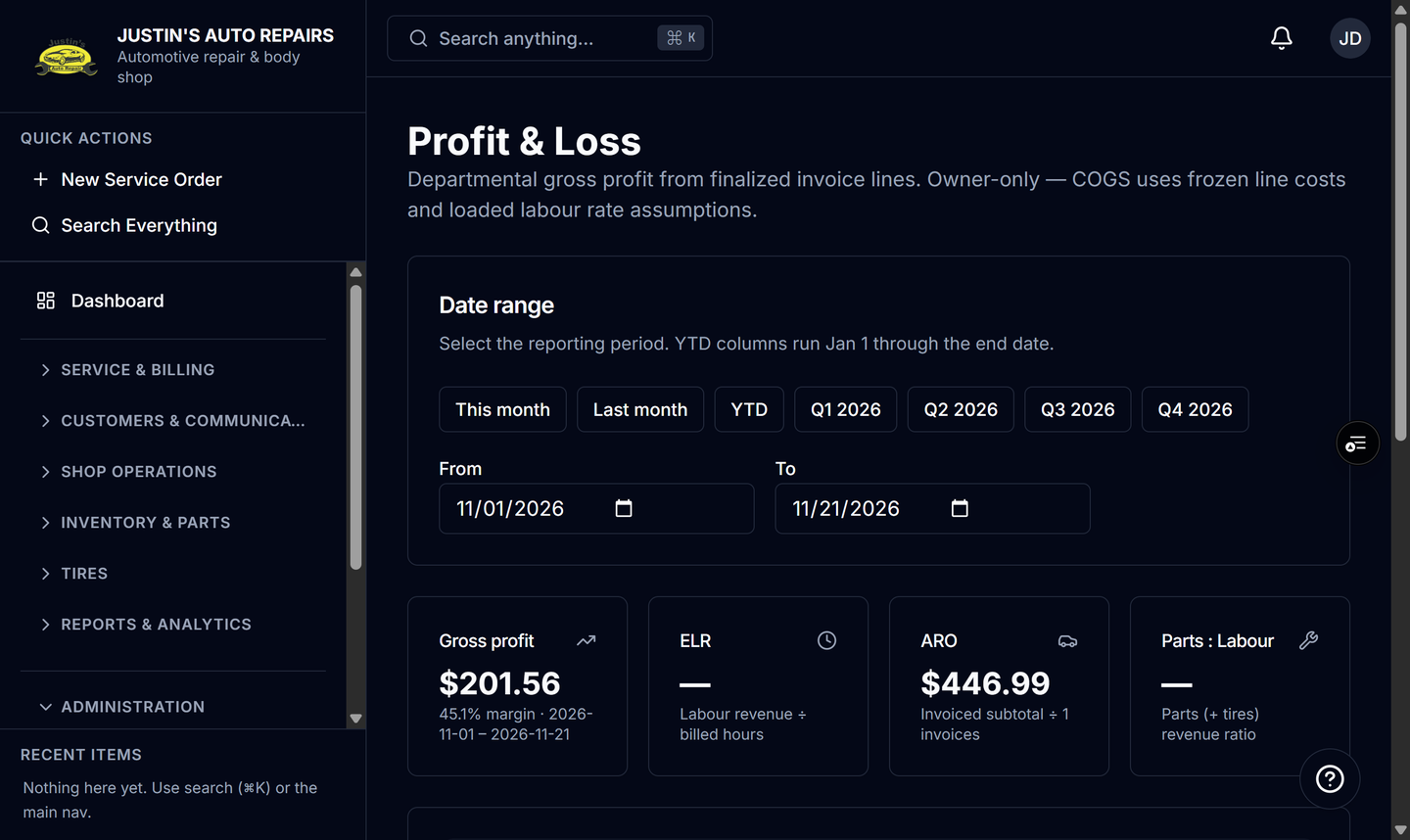
- Choose This month, YTD, or another preset, or set the from and to dates.
- Read Gross profit, ELR, ARO, and Parts : Labour.
- Read the department table. Month and year-to-date columns both show, with percent of revenue.
- If QuickBooks is connected, read the overhead card for operating expenses and net income.
How you know it worked
The title is Profit & Loss. The description says departmental gross profit from finalized invoice lines.
Common snags
- P&L is missing. Only the owner (and a platform admin in a shop) can open it. Managers and accountants do not see line cost.
- The overhead card is empty. Connect QuickBooks and wait for the cached Profit & Loss read. See Connect QuickBooks.