How to open summary reports
Who this is for
You are an owner or a manager checking recent shop activity. Accountants use Accounting reports for bookkeeping totals.
Before you start
- Sign in to the shop.
- This page is a 30-day snapshot. Profit and loss is a separate owner page.
Steps
- Open Reports & Analytics in the sidebar.
- Choose Reports.
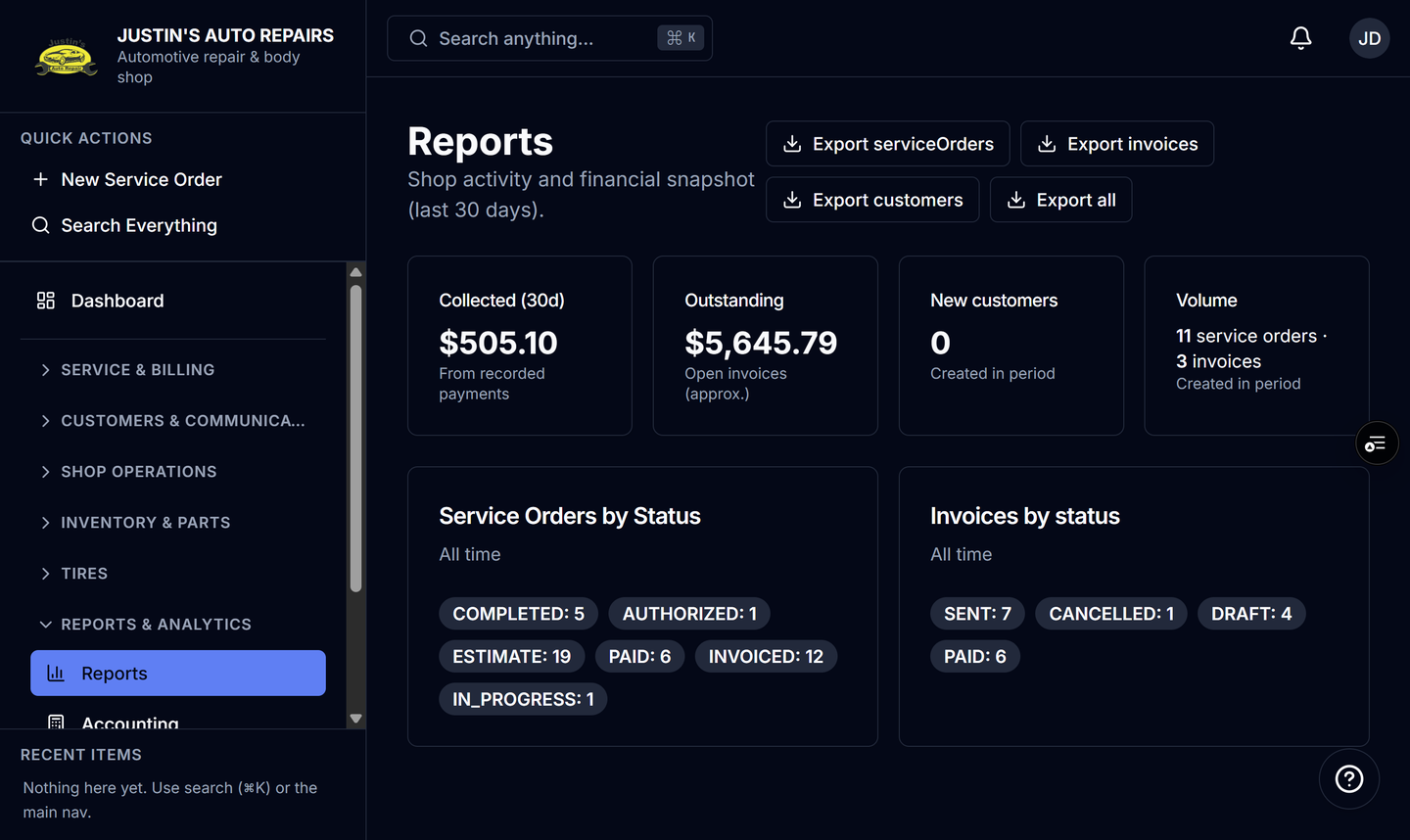
- Read Collected (30d), Outstanding, New customers, and Volume.
- Read Service Orders by Status and Invoices by status.
How you know it worked
The title is Reports, and the description says the snapshot is the last 30 days. Status badges are all-time counts.
Common snags
- The page says you do not have permission. Summary reports are for owners and managers.
- Excel buttons are missing. Data export is off for the shop. See Export shop data after BayOps support turns it on.