How to search everything
Who this is for
Anyone looking up a record in the open shop. Owners, managers, and receptionists can search the full shop. Technicians and accountants see a smaller set.
Before you start
- You are signed in to the shop you mean to search. See How to switch shops if you have more than one.
- Technicians only see assigned jobs, and only when Job board is on.
Steps
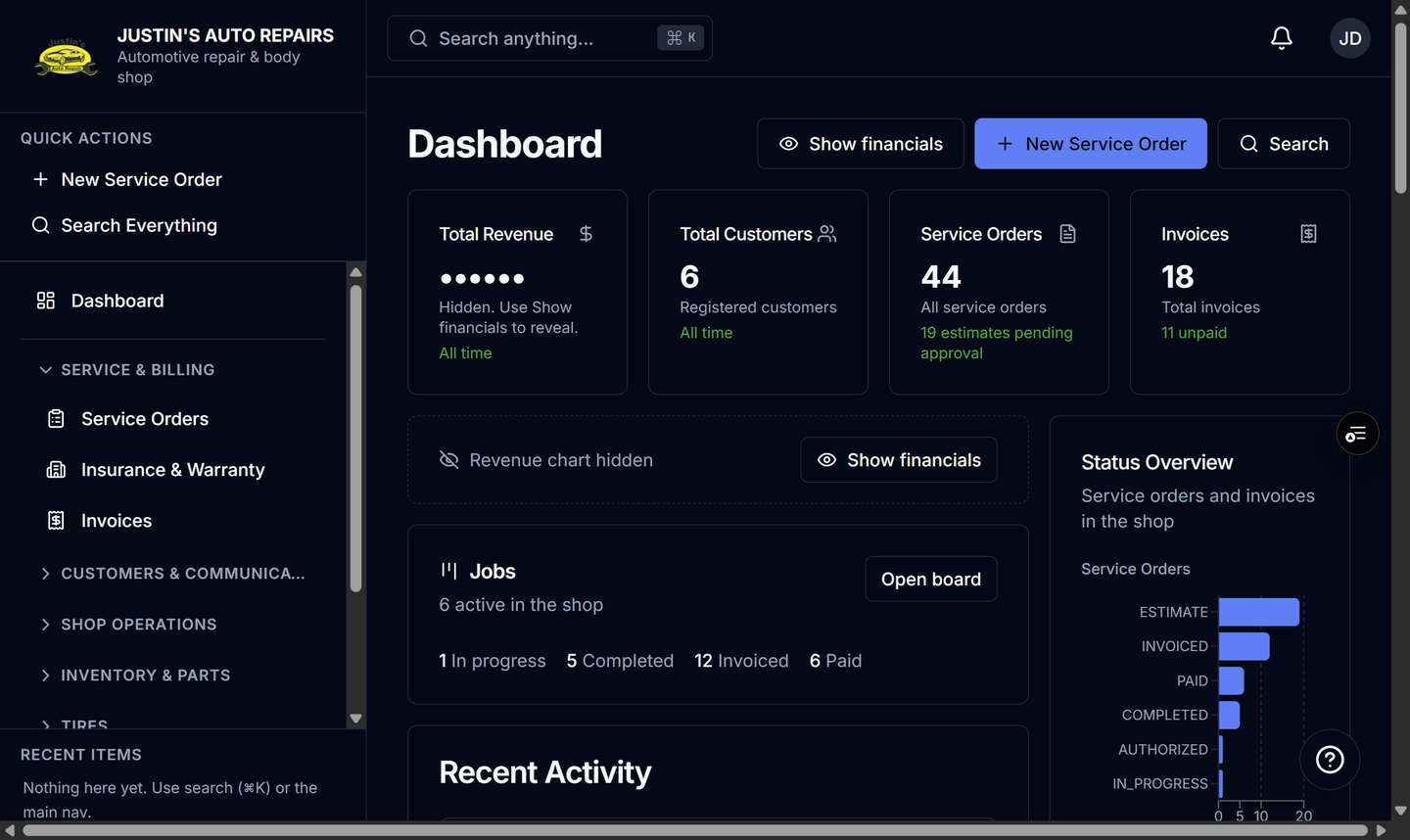
- Press Ctrl+K on Windows or Cmd+K on Mac. You can also choose Search anything... in the top bar, Search Everything under Quick Actions, or Search on the dashboard.
- Type at least two characters. Owners, managers, and receptionists can match a customer, order, invoice, vehicle, or part, including a close spelling. Technicians match assigned jobs. Accountants match customers, orders, and invoices.
- Wait until the grouped list replaces the loading rows. Recent shows your last picks when the box is still short.
- Move with the arrow keys, or Home and End, then press Enter to open the row. Press Esc to close.
How you know it worked
Results are grouped under Customers, Service Orders, Invoices, Vehicles, or Parts, and the record opens. Technicians see My Jobs. Accountants do not see Vehicles or Parts.
Common snags
- No results for your text means try another spelling, a phone number, an order number, or a part code.
- A VIN matches the full number.
- A phone matches with or without spaces and punctuation.