How to switch shops
Who this is for
Anyone who belongs to more than one shop. Each shop keeps its own role for you. Customers and vehicles can be shared across locations in a group, with each location’s own preferences.
Before you start
- You are signed in. See How to sign in.
- The owner of each shop has already given you access. You cannot add a shop from this control.
Steps
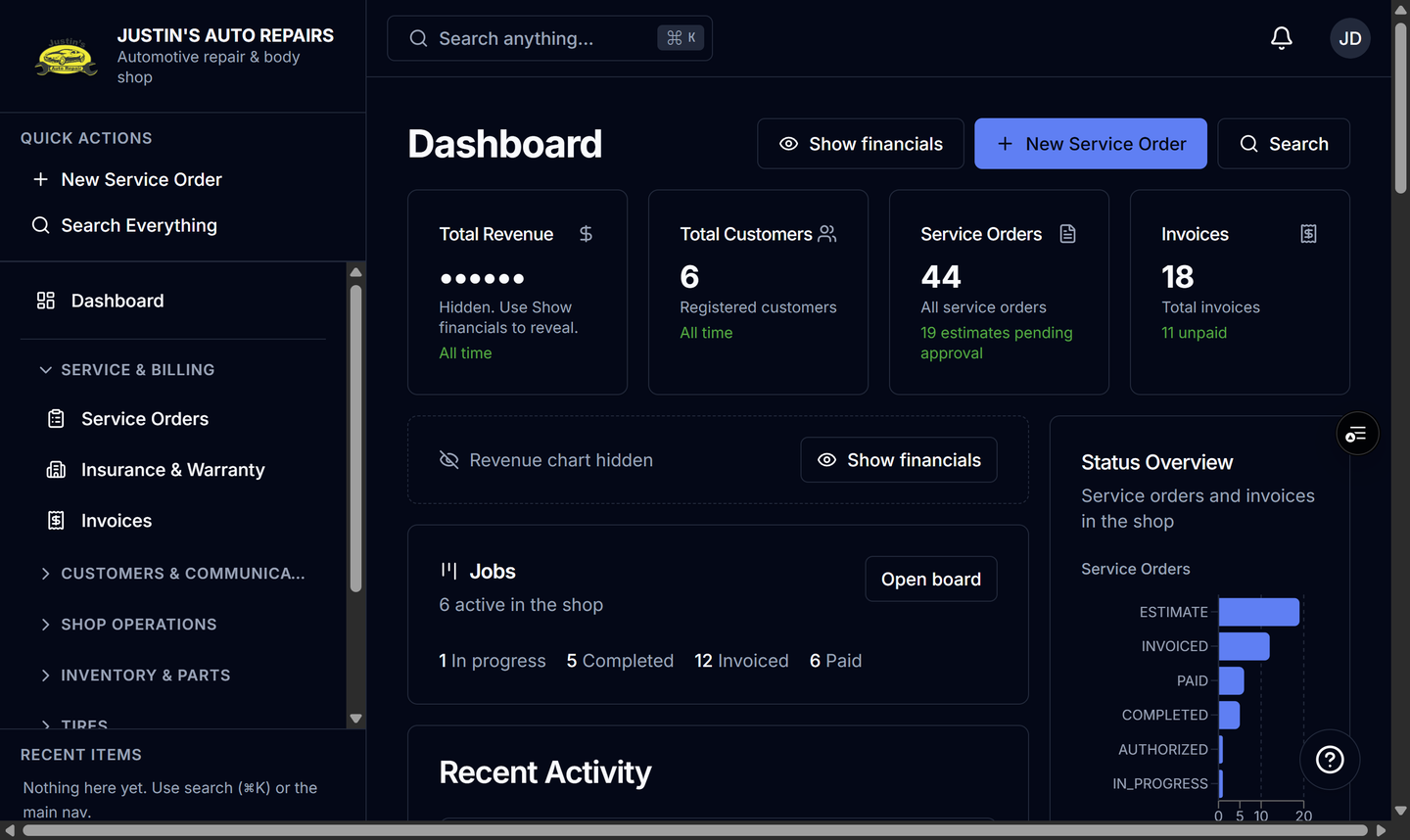
- Open Dashboard.
- Select the shop name at the top of the sidebar.
- Choose the other shop in the list.
- Wait until that shop’s pages finish loading.
How you know it worked
The sidebar shows the shop you chose, with a check beside that name. The address in the browser uses that shop, and the menus match your role there.
Common snags
- With only one shop, the name is a link back to Dashboard. It does not open a list.
- If the other shop is missing, you do not have a membership there yet. Ask that shop’s owner.
- Search and the sidebar follow the shop you just opened. A record from the previous shop is not in this list.