How to see why a menu is missing
Who this is for
Anyone who expected a sidebar item and does not see it. A missing item is either your role or a module that is off for this shop. A whole group disappears when none of its items apply to you.
Before you start
- You are signed in to the shop you mean to use. See How to switch shops if the shop name looks wrong.
- Your role is on Profile. The owner assigns it under User Management. Microsoft does not set it.
Steps
- Open the account menu and choose Profile. Note the role on your name.
- Open the account menu and choose Settings so you are in this shop.
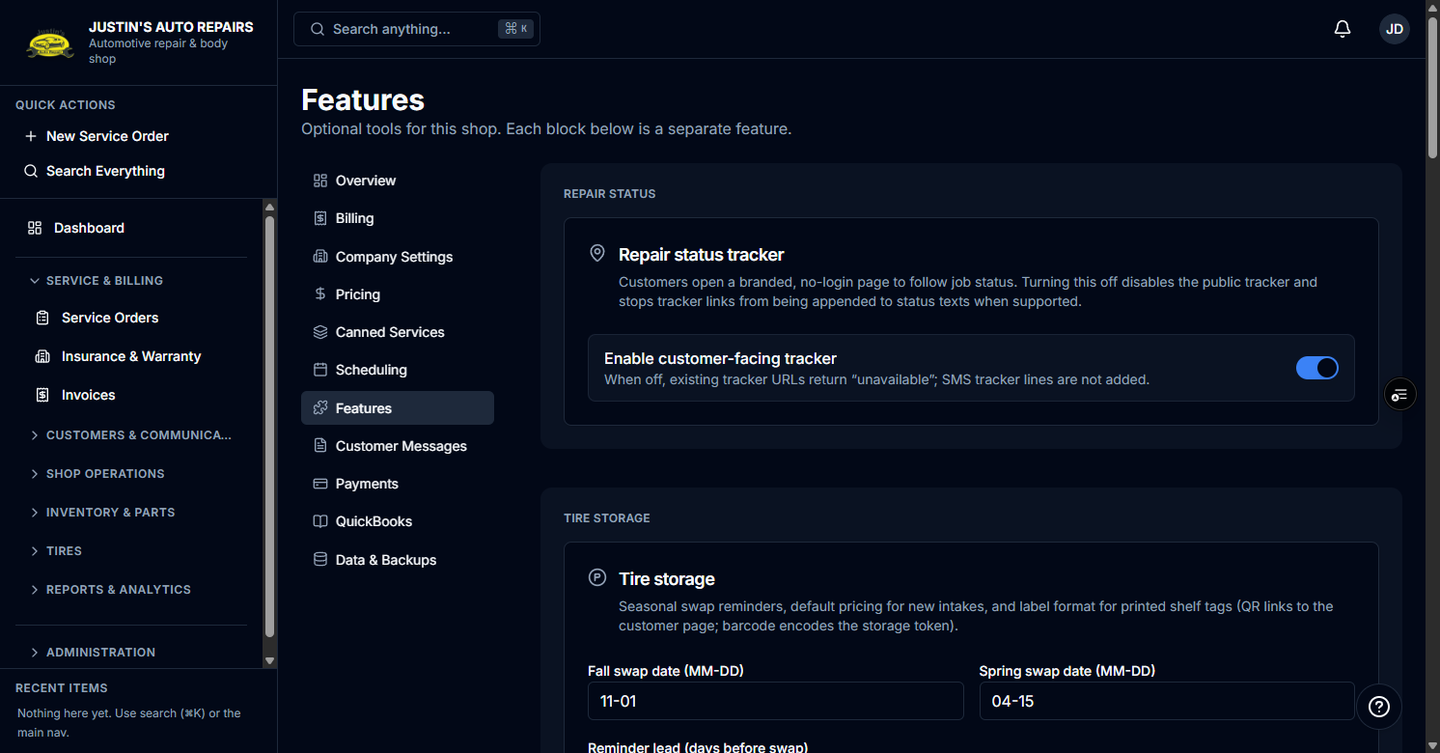
- Open each sidebar group. Groups include Service & billing, Customers & Communications, Shop Operations, Inventory & Parts, Tires, Reports & Analytics, and Administration.
- Match the missing name to your role. Receptionists do not get Reports or Suppliers. Technicians see assigned Service Orders only when Job board is on, and they do not get Customers, Invoices, or Administration. Accountants get Invoices, Accounting, and Parts Expenses, plus Data Export when export is on, and they do not get Customers or Service Orders.
- If your role should see it, the module is off for this shop. A new shop starts with the modules on its plan. Inventory is on every plan unless it is turned off. Parts catalog and plate decode stay off until BayOps enables them. Ask the owner, or use Talk to support in Help.
How you know it worked
You can name the reason: the role on Profile, or a module the shop does not have. The item appears after the owner changes your role, or after that module is turned on for the shop.
Common snags
- Settings on the account menu is not the switch that turns modules on. Shop staff do not flip those switches here.
- Starter includes payments, photos, inspections, inventory, bulk actions, and export. Professional adds SMS, job board, scheduling, maintenance, fleet, tire storage, reviews, and insurance. Enterprise adds QuickBooks.
- Quick Actions hides New Service Order when you cannot open service orders. Search Everything stays.