How to create an invoice
Who this is for
Whoever bills a finished job. The service order must be Completed, and it must not be waiting for authorization again. Technicians cannot create invoices.
Before you start
- Complete the job first. See How to complete a service order.
- Invoices → New Invoice opens completed service orders. The row action Create Invoice and the order’s Create invoice button create the invoice immediately.
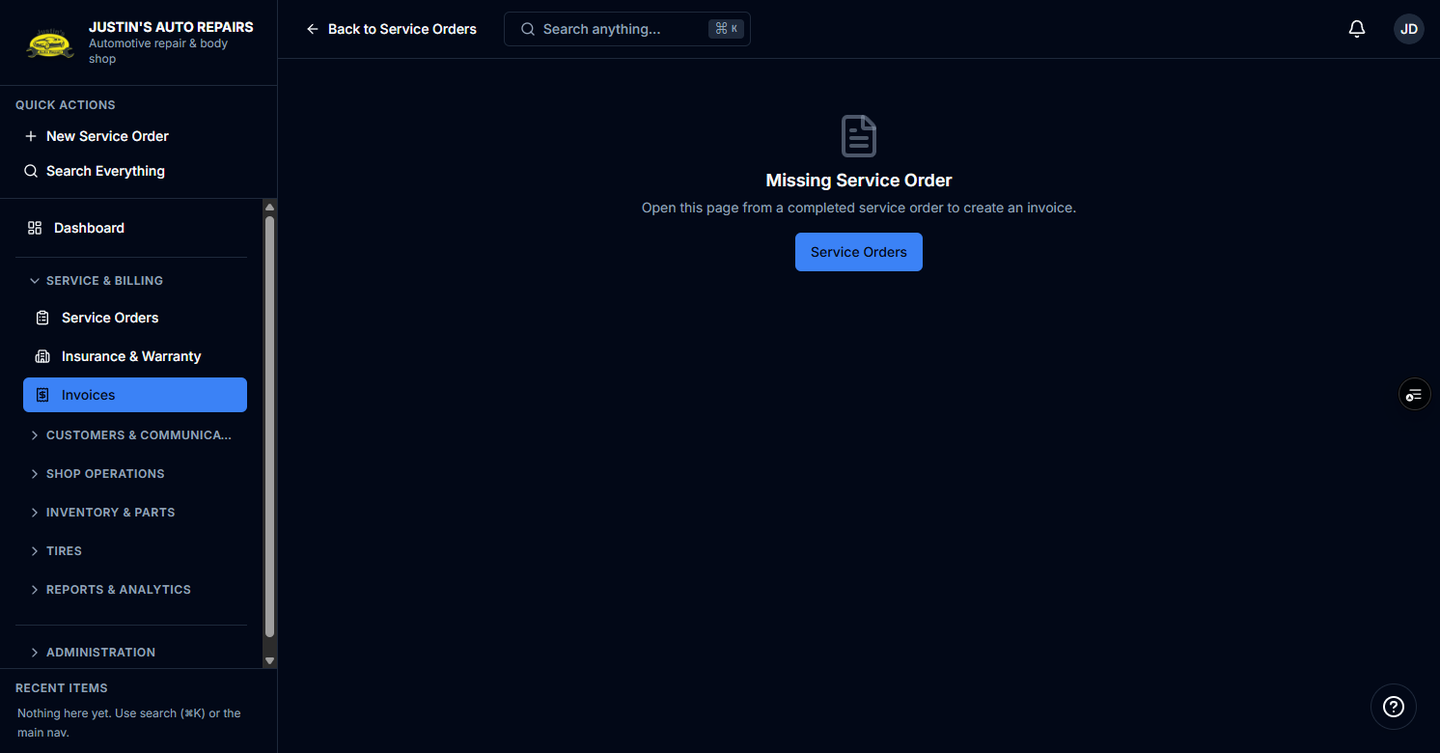
- /invoices/new is the form with Due date and Invoice notes when that completed order is attached. A job that is not completed shows Service Order Not Ready.
Steps
- On the Create Invoice form, set Due date.
- Type Invoice notes if they should print on the PDF. Leave them blank if not.
- Choose Create invoice.
- If you used Create Invoice on the service order list or Create invoice on the order instead, wait for the invoice to open. You do not fill this form.
How you know it worked
The invoice opens and its status is Draft. The service order status is Invoiced, and the order header links to the invoice number. A list create shows Invoice created.
Common snags
- Create Invoice is hidden while the order says it needs to be authorized again. Authorize it before you bill.
- Save & invoice now on New Service Order creates the completed order and the invoice together. It is only there when your role can both edit estimates and create invoices. Accountants use the completed-order path.
- One service order has one invoice. If an invoice link is already on the order, open that invoice.