How to download an estimate or invoice PDF
Who this is for
Staff saving the same PDF the customer was sent. Estimate PDF is on the service order for owner, manager, and receptionist. Accountants download the invoice PDF from Invoices. Technicians do not download these files.
Before you start
- You can open the service order or the invoice. See How to view service orders and How to view invoices.
- The estimate PDF is the same file attached to the approval email and the estimate text.
Steps
- Open the service order.
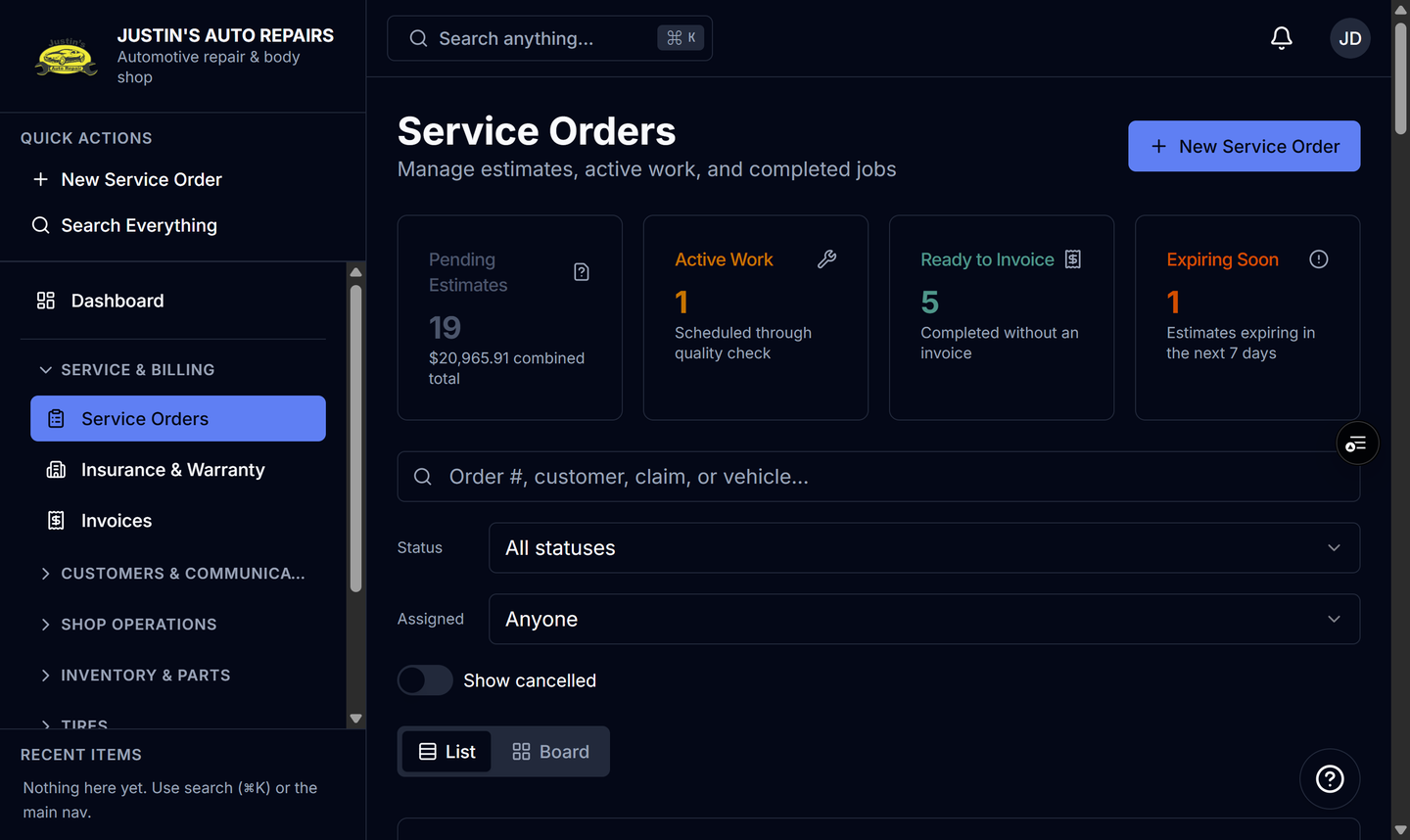
- Choose Estimate PDF in the header.
- For an invoice, open Invoices and open that invoice.
- Choose Download PDF. The invoice row menu has the same action.
How you know it worked
Your browser saves the PDF. The estimate file matches the approval copy. An invoice PDF includes the odometer from that invoice when one was recorded, and it omits the odometer cell when the reading was left blank.
Common snags
- Changing the odometer on a sent invoice does not email a new PDF. Download PDF shows the reading stored now. The email already sent kept the reading from send time.
- After you edit lines on a sent, unpaid invoice, the invoice returns to Draft. Download the new PDF after you send it again if you need the copy the customer will receive.
- Estimate PDF is not on the accountant menu path. Use the invoice’s Download PDF.